

Field resource
Patrol Log Template
Download a printable or editable patrol log to record each round’s time, area, observation, and action. Use the worked example to keep evidence and incident references clear.
Get the template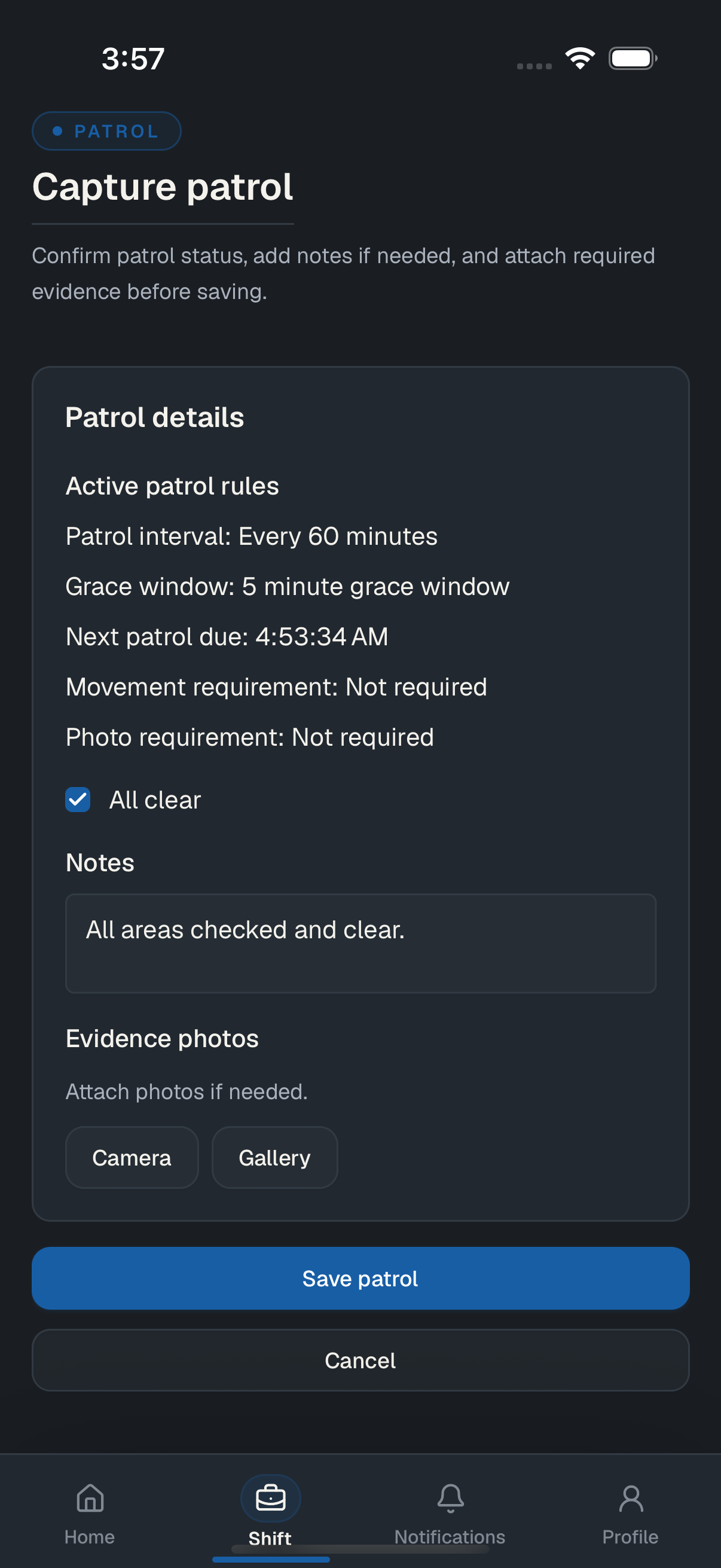
Download your template
Choose a printable PDF or editable Word document. Each includes blank fields and a completed fictional example.
Choose the format for your operation
Use the PDF for printing or Word to adapt labels and instructions. Keep a master, then confirm the site’s entry frequency, areas, evidence requirements, and contact procedure before issuing the form.
Use one log per shift. Identify the site and shift on extra pages, make midnight date changes explicit, and reference detailed incident records from the relevant patrol row.
Complete the shift header before the first round
Record the organization, site and address, shift date, coverage window, specialist, and operational contact. Add a shift reference and identify the patrol area clearly enough to distinguish buildings or floors at the same address.
Reference the site’s detailed instructions, including designated routes and escalation steps. Keep planned coverage separate from actual start and end times.
- Site and shift identity.
- Specialist and operational contact.
- Required interval, areas, and instructions.
- Planned window and actual start/end.
Write one clear row for each observation
Write the actual observation time, area, condition, action, and specialist identifier. If recorded later, preserve the observation time and identify the later entry. Use a consistent timezone convention.
Describe the scope of an all-clear check: ‘East corridor and loading area checked; no condition requiring escalation observed.’ Link supporting photos through references your organization retains with the files.
Worked example: an obstruction found during a round
Fictional example: At 22:04, Jordan Lee finds two cartons narrowing the east corridor by exit E2. Jordan calls the supervisor at 22:06. Site staff remove the cartons at 22:14, and Jordan rechecks the passage.
The row references photo P03 and incident IR-04. It records the condition, contact, and recheck without guessing who placed the cartons. A separate incident account holds the full chronology.
Record gaps and corrections openly
Record missed entries and their known reason. Identify inaccessible areas and the action taken. Keep ‘not inspected’ distinct from an inspected area with no issue observed.
Follow your correction policy, preserving the original entry and attribution. For Word documents, retain the issued version and use controlled review; the editable form does not create an audit history.
When the log needs a connected workflow
JUDGR connects patrol entries, notes, photos, incidents, and location context to an assigned shift. New work starts online; supported active-shift capture can recover through disconnection.
Independent sites use hourly patrols with five-minute grace and required movement. Jurisdiction rules can differ. Fixed posts need applicable movement-optional rules and periodic entries; check that fit before replacing your paper procedure.
Keep exploring
Next step
Bring your records into one workflow
Tell us about your team, sites and reporting needs. Explore JUDGR or discuss your workflow with us.