

Shift scheduling
Guard Shift Scheduling Software
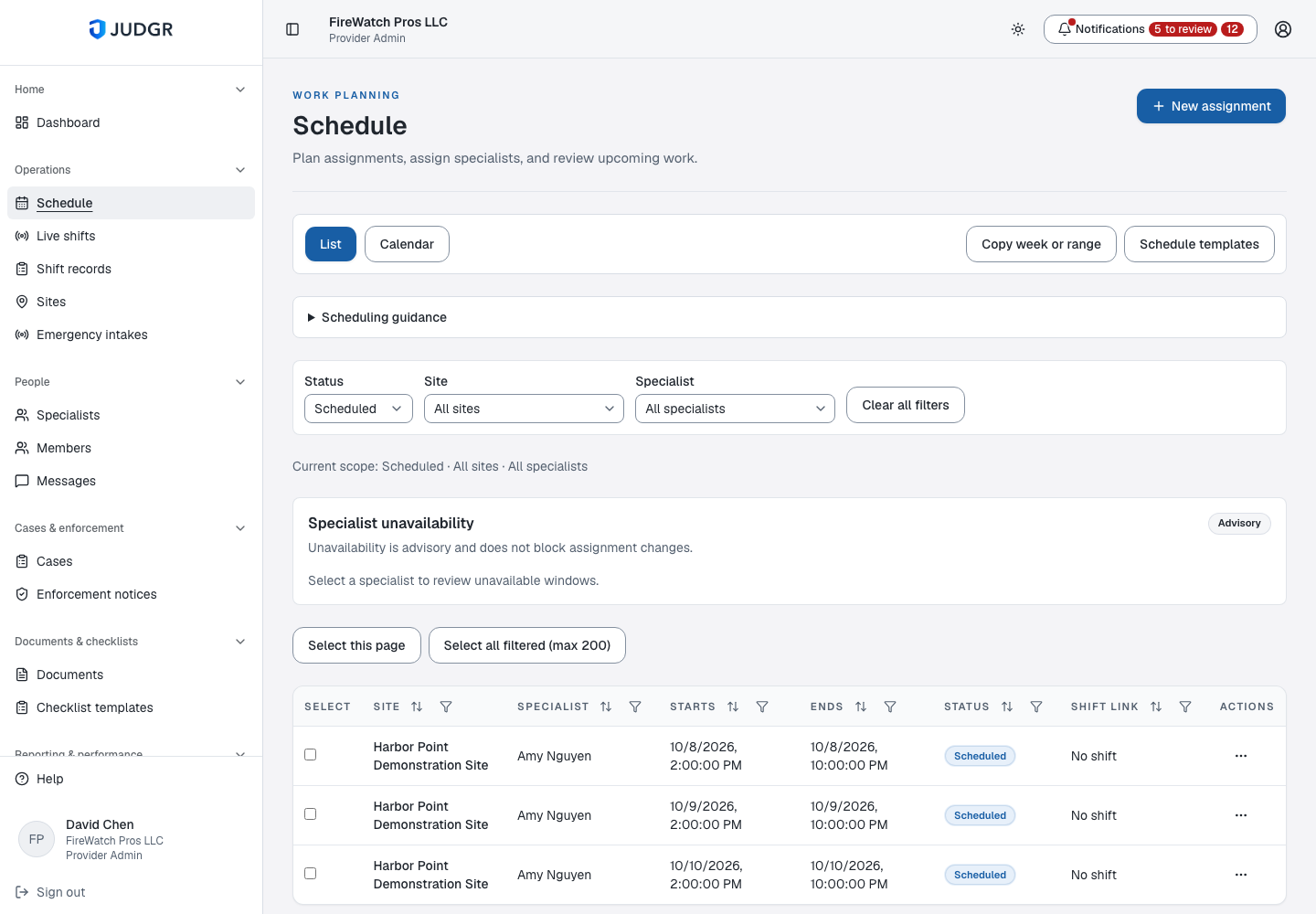
Prepare assigned work with the right site, specialist, and time. Use availability, reusable patterns, and publication controls to coordinate the schedule before each online start.
JUDGR in use
See the workflow
A walkthrough of the actual application, using demonstration records.
Start with the site, person and local time
Create assignments with the site, specialist, and intended window. Entry and edits use the site’s local timezone; ordinary displays use the viewer’s device timezone. Confirm the selected site before entering an overnight shift or coordinating across regions.
If site timezone information cannot load, retry while preserving the draft. Correct missing configuration before saving.
Review availability before assigning work
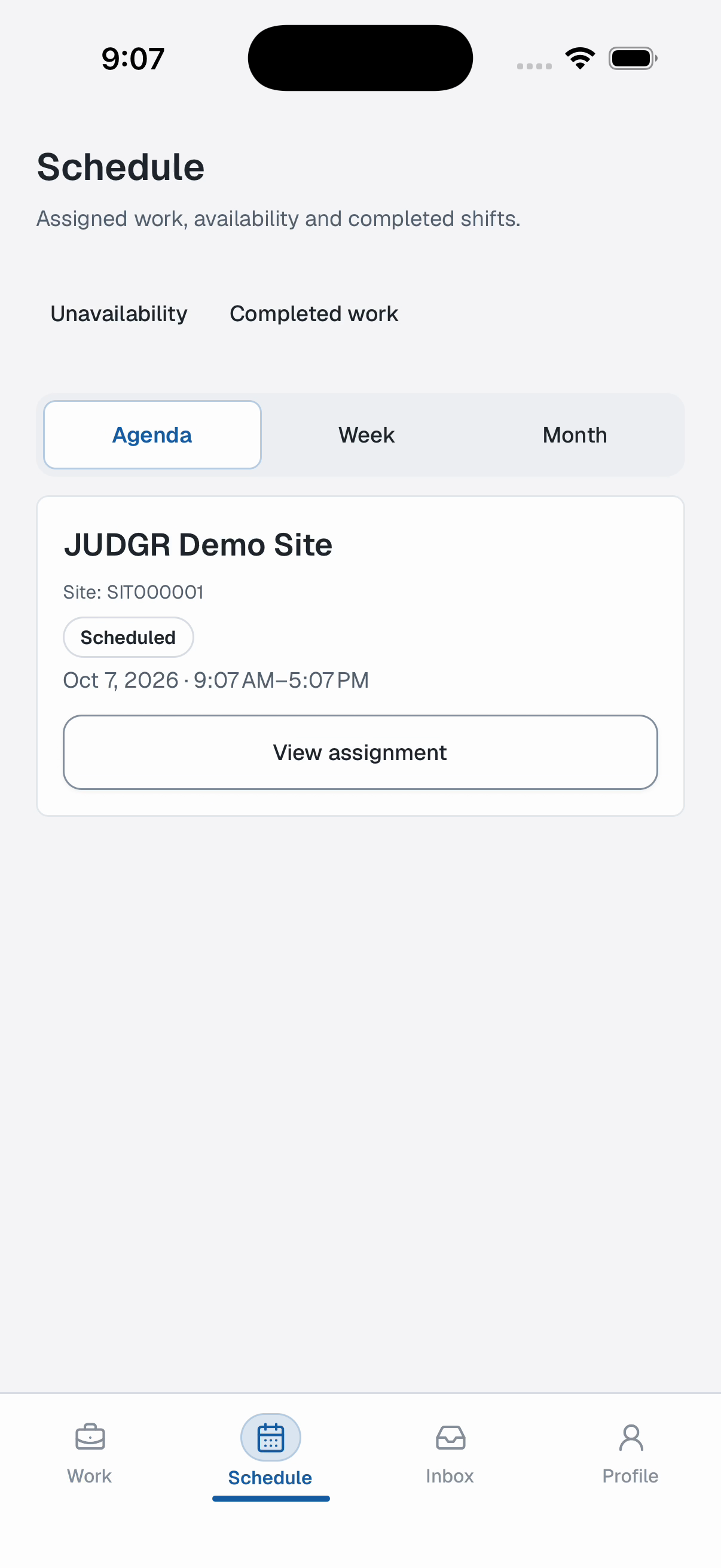
Use specialists’ unavailability when planning coverage. Review affected assignments and confirm replacements; recording unavailability does not automatically cancel existing work. Personal notes have narrower access than planning dates and times.
Reuse patterns with a review step
Copy a week or date range to create draft assignments, then review and publish them. Site-local clocks remain stable across daylight-saving changes.
Templates store reusable patterns without changing existing assignments or sending alerts. Review dates, sites, specialists, and any timezone revision when applying a pattern.
Keep bulk changes deliberate
Use bulk edits, copying, and publication for the intended selection. Check the period, filters, count, and included rows before confirming. Review saved results, then publish intended drafts separately so specialists receive the prepared work.
Assignment is necessary, and eligibility is current
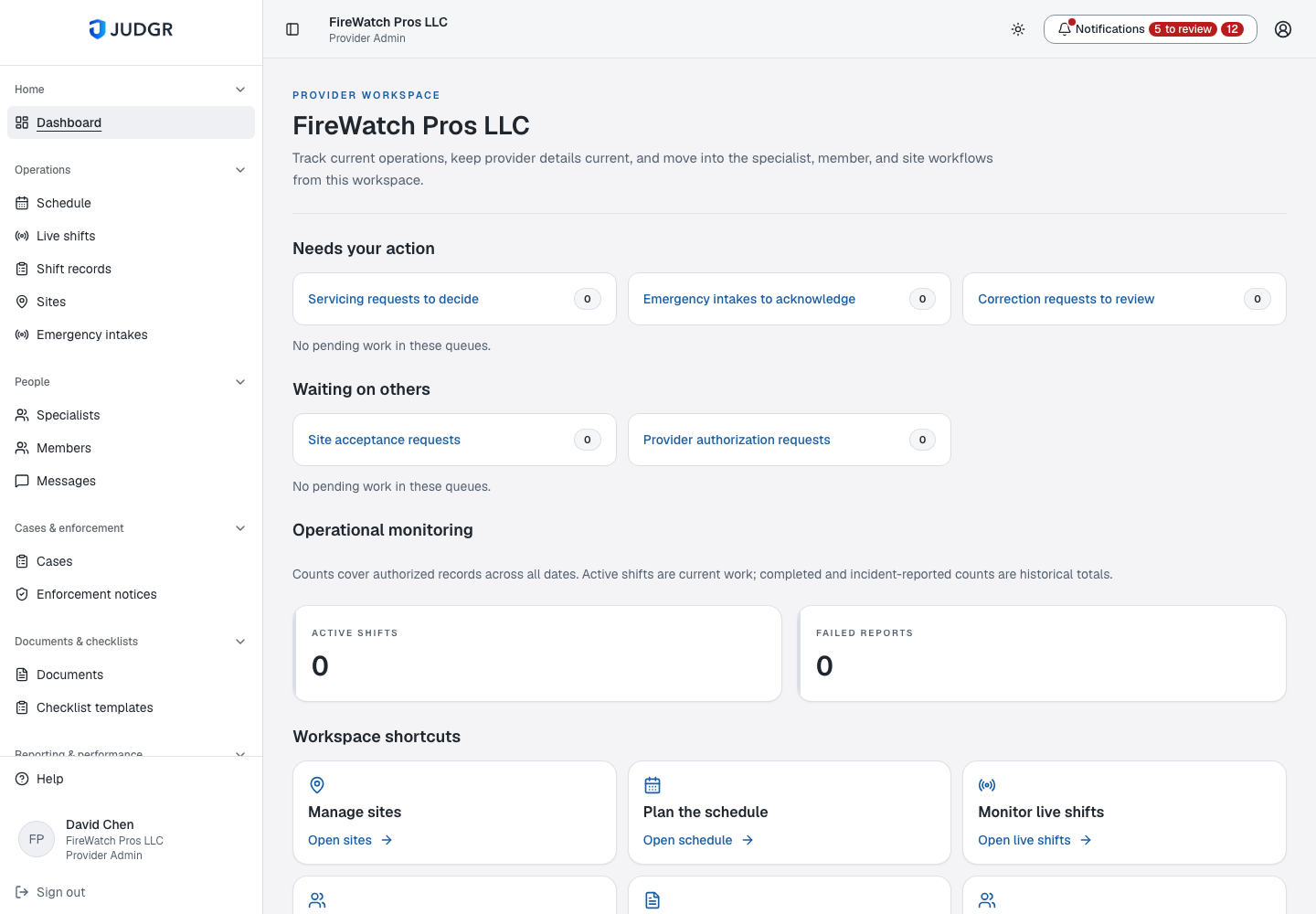
The specialist starts their own eligible scheduled assignment online. Current checks cover assignment state, site access, credentials, location, and authorization.
The start window opens 30 minutes before scheduled start and closes two hours after scheduled end. Cancellation or reassignment takes precedence over a cached screen.
Resolve the stated start condition
Read the blocked-start reason and resolve its prerequisite. Under manual jurisdiction policy, provider approval may be needed. Course links can help with missing qualifications, while actual certification and start checks remain separate.
New shifts cannot start offline. Complete recovery for pending earlier work before moving to another assignment.
Keep planning separate from payroll
Scheduling defines intended work; the shift records actual activity. Payroll, timecards, and invoicing remain separate systems. Walk through a normal assignment and reassignment to confirm what the office saves and what the specialist receives.
Questions about shift scheduling
Can a specialist start at any site they can see?
No. They start their own scheduled assignment, subject to current online eligibility checks.
Does copying a week publish the new assignments?
No. Copying creates drafts. Review and publish the intended assignments separately.
Which timezone is used when editing?
Entry and edits use the site’s local timezone. Ordinary displays use the viewer’s device timezone.
Does recorded unavailability cancel existing work?
No. The operating organization reviews affected assignments and makes the necessary schedule changes.
Keep exploring
Next step
Connect your field work and review
Tell us about your team, sites and reporting needs. Explore JUDGR or discuss your workflow with us.