

Report example
Sample Shift and Patrol Report
Inspect the current Fire Watch Shift Report using synthetic shift data. Explore its sections and verification context; the sample contains no actual client records.
View the sample report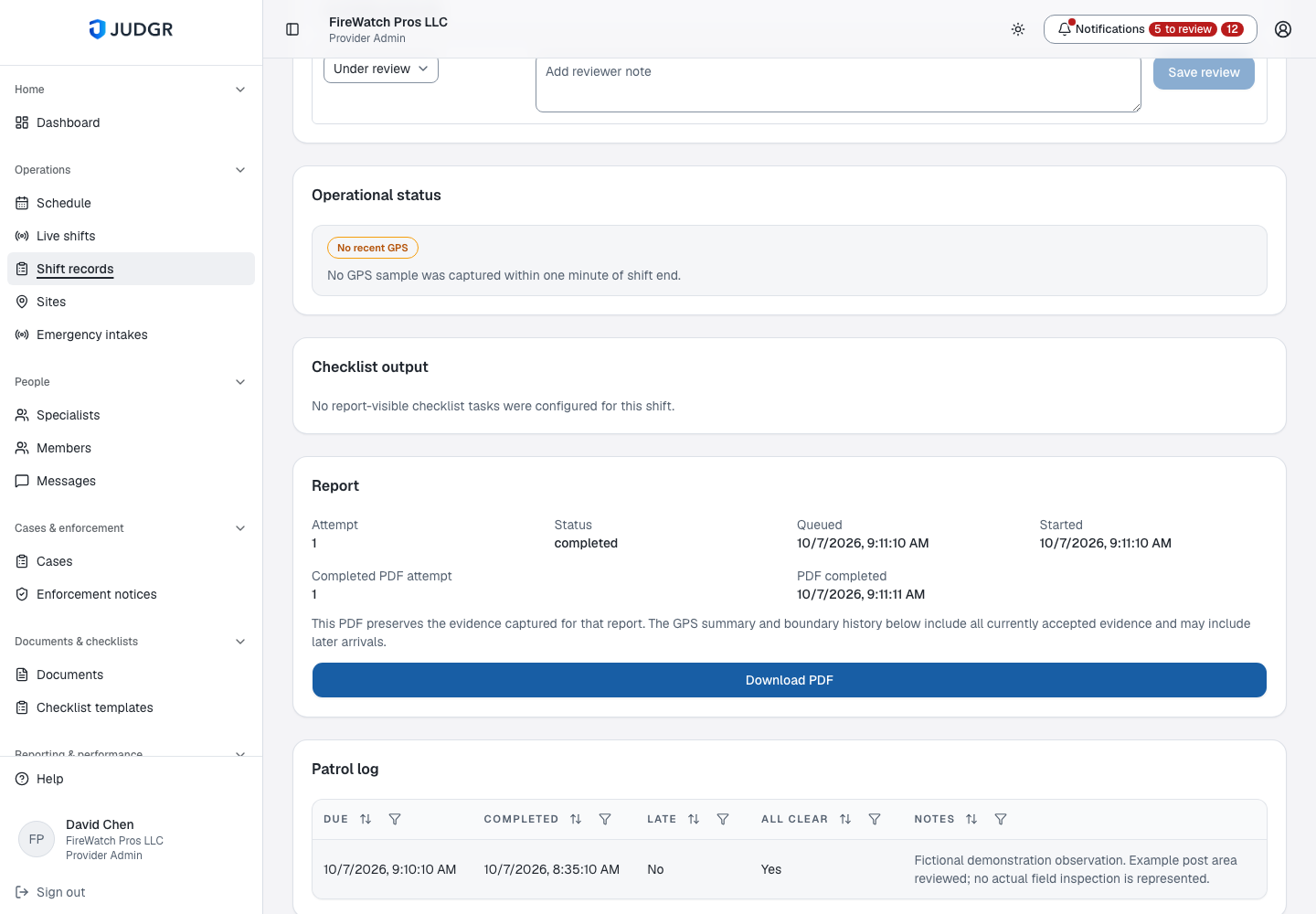
Preview and download the report
An actual JUDGR-generated PDF with fictional demonstration records. Its verification link points to a temporary demo environment.
JUDGR in use
See the workflow
A walkthrough of the actual application, using demonstration records.
What the sample demonstrates
The download is generated by JUDGR’s current report processor from synthetic shift data. It demonstrates the actual format for a completed shift, including patrols, evidence, GPS context, and incidents.
The current independent heading is Fire Watch Shift Report. Inspect that output when assessing broader guard reporting needs; provider branding does not replace the heading.
Start with identity and shift context
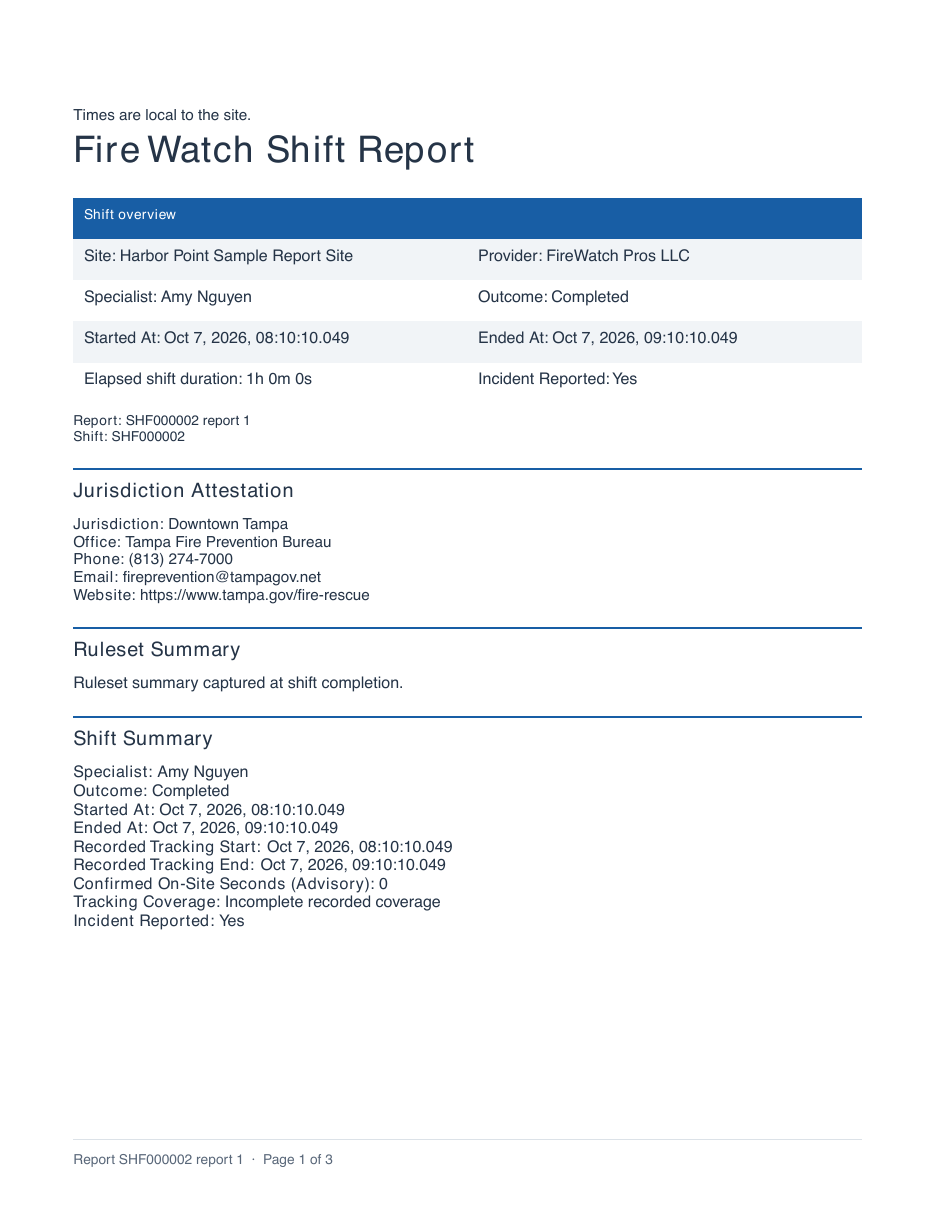
Confirm the site, provider, specialist, permanent shift reference, actual start and end, and outcome. Where jurisdiction or ruleset sections apply, read them against the conditions that governed this shift rather than today’s settings.
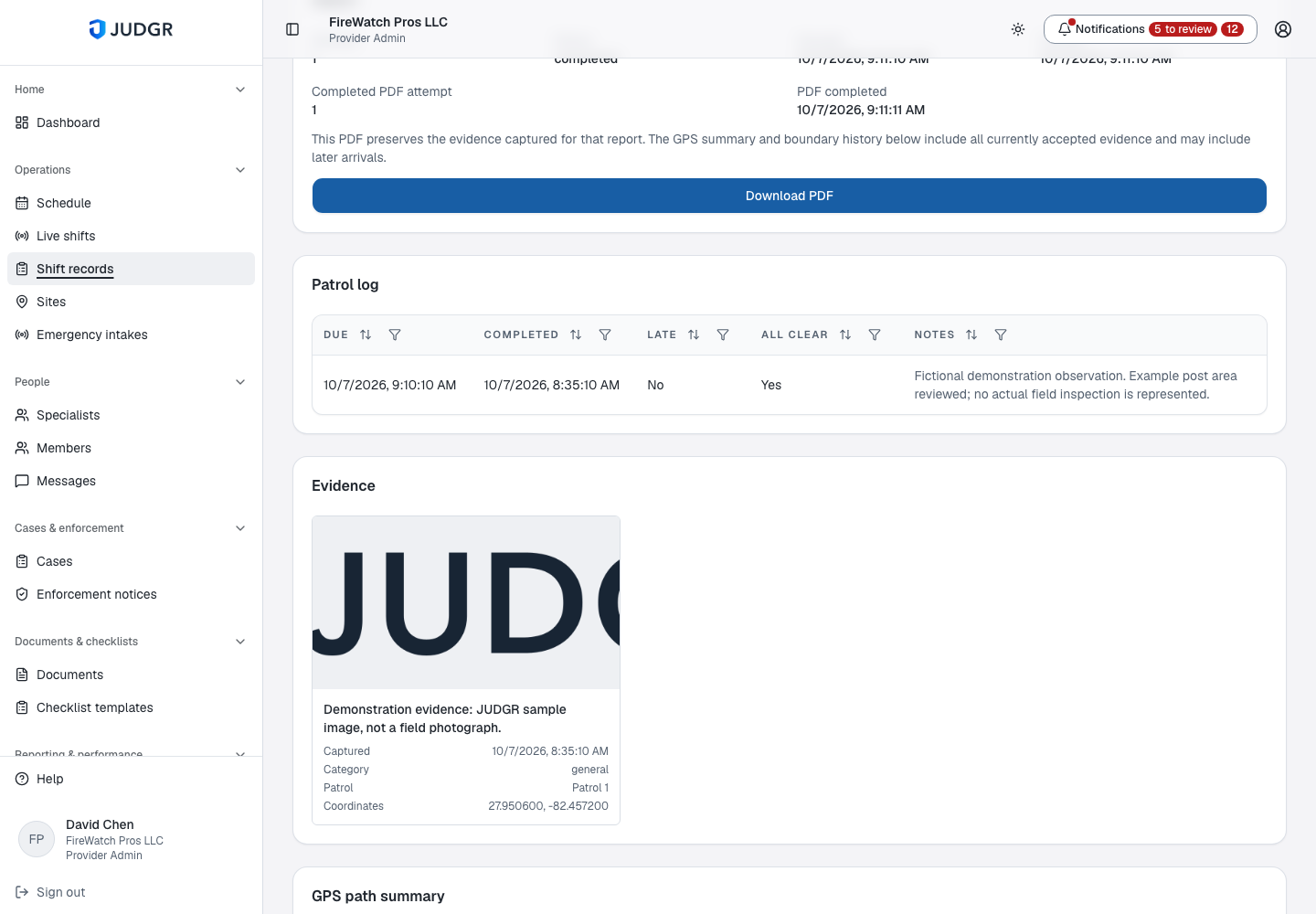
Read the patrol log with the evidence manifest
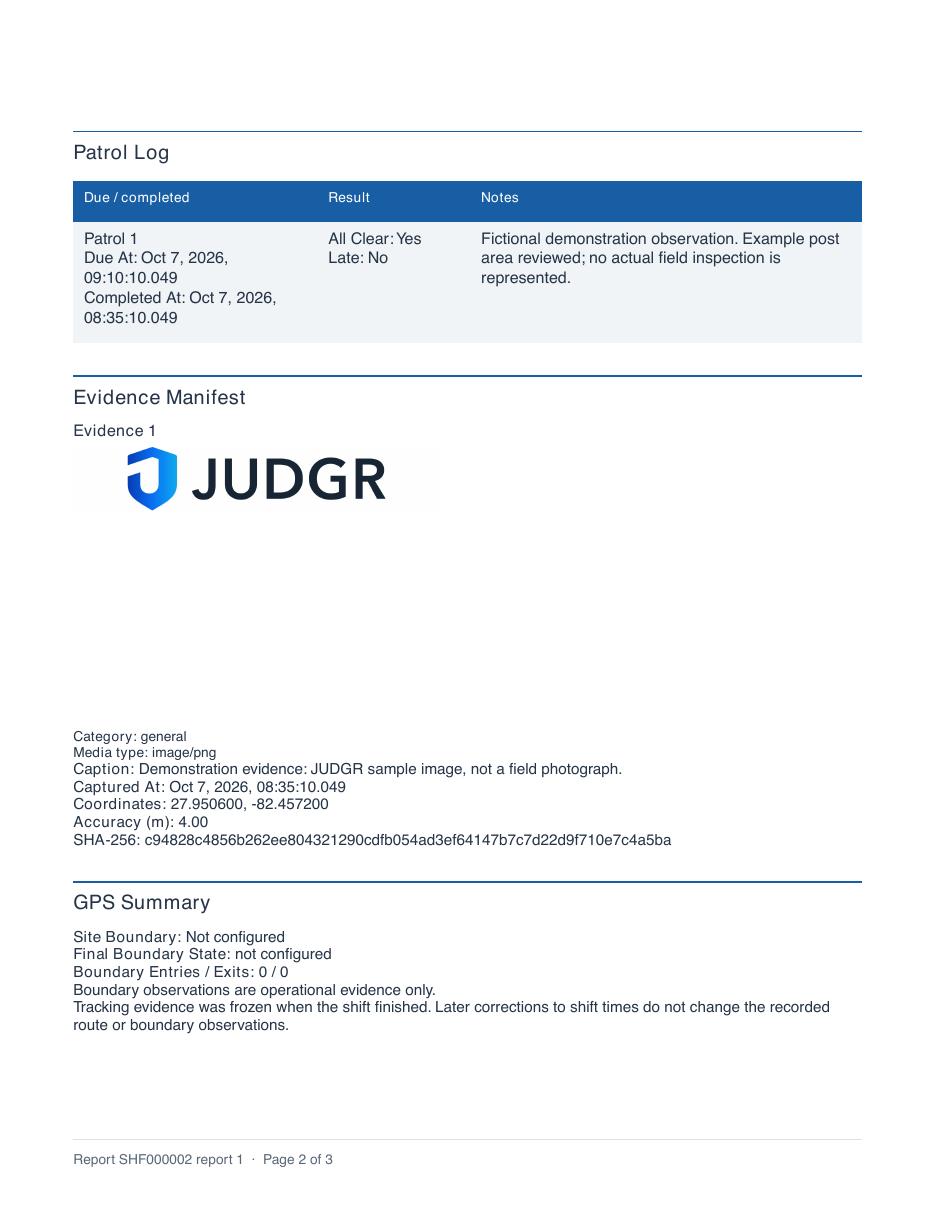
Follow the patrol sequence, timestamps, all-clear states, notes, and late indicators. Connect noteworthy entries to their evidence or incident references.
The evidence manifest lists capture information, categories, captions, and hashes. Read each attachment with its observation so a reviewer can understand what it supports.
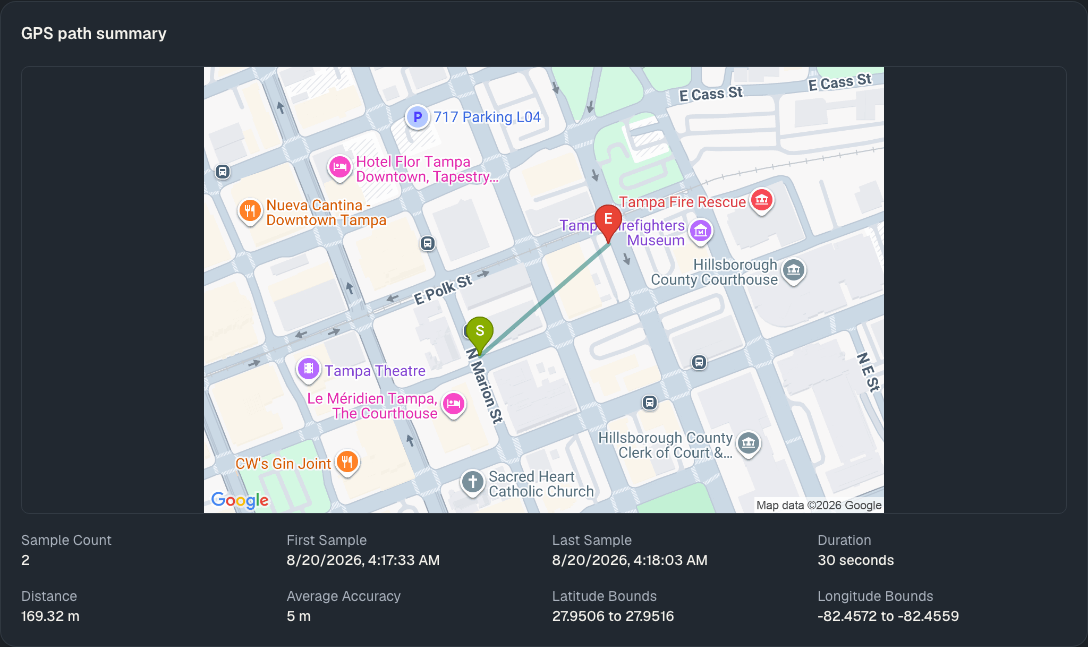
Understand the location information
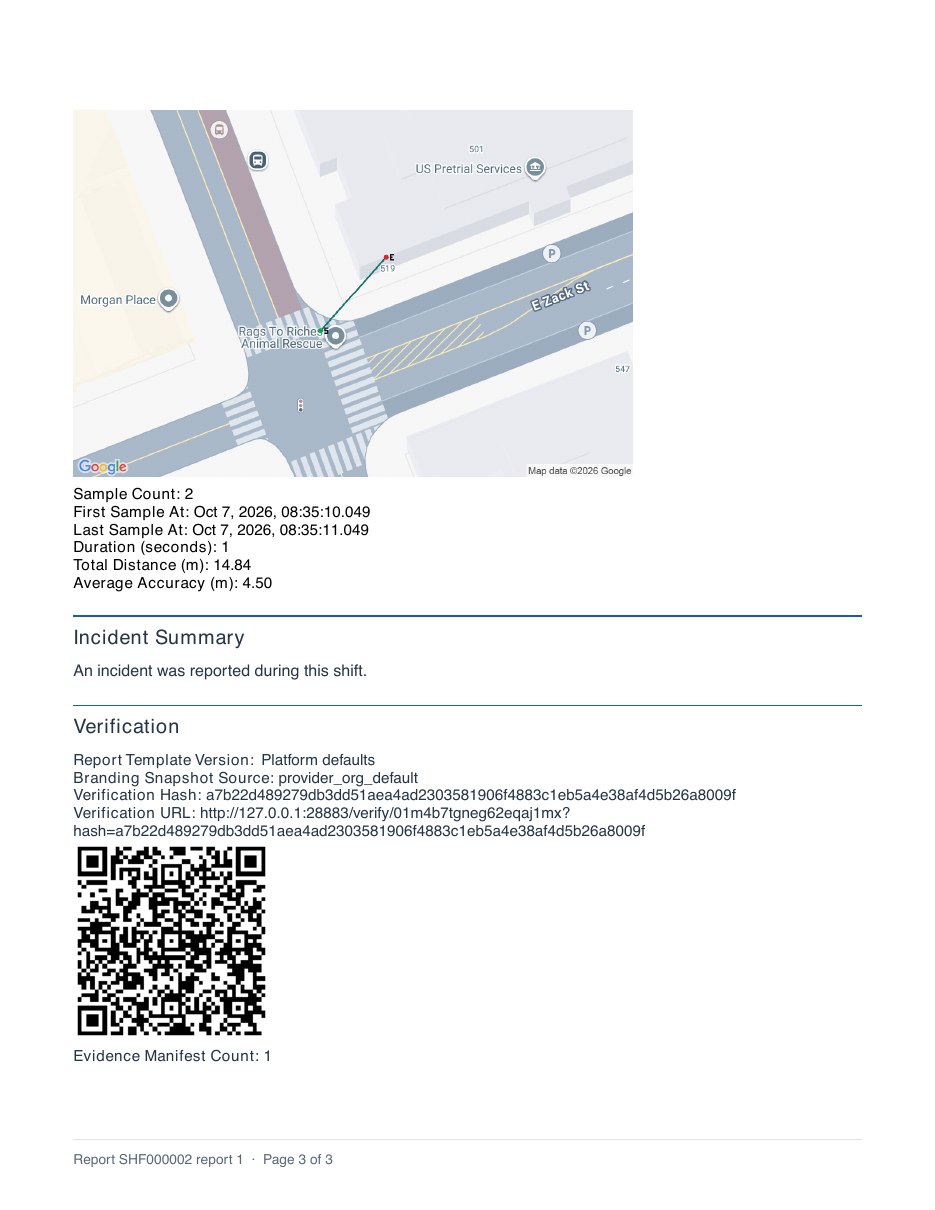
GPS summaries and route displays describe persisted reported samples. Read sample timing, gaps, and capture conditions alongside patrols. The shift retains its original boundary; later site edits do not redraw its recorded context.
Check authenticity separately from acceptance
Operational report references support a limited public authenticity check while private photos, narratives, and GPS remain protected. Use verification to check the artifact’s state. Acceptance of the work and assessment of any exception remain separate review decisions.
Confirm the report is ready before sharing
Closeout, synchronization, and report processing have separate states. Download the completed artifact after checking readiness. Approved corrections may trigger replacement processing; keep the prior successful artifact until the updated report is available.
Keep exploring
Next step
Bring your records into one workflow
Tell us about your team, sites and reporting needs. Explore JUDGR or discuss your workflow with us.