

Guard patrol operations
Guard Patrol Software
Connect scheduled guard patrols with observations, location context, photos, and incidents. Give supervisors a completed record they can review and share.
JUDGR in use
See the workflow
A walkthrough of the actual application, using demonstration records.
Tie the patrol to an actual assignment
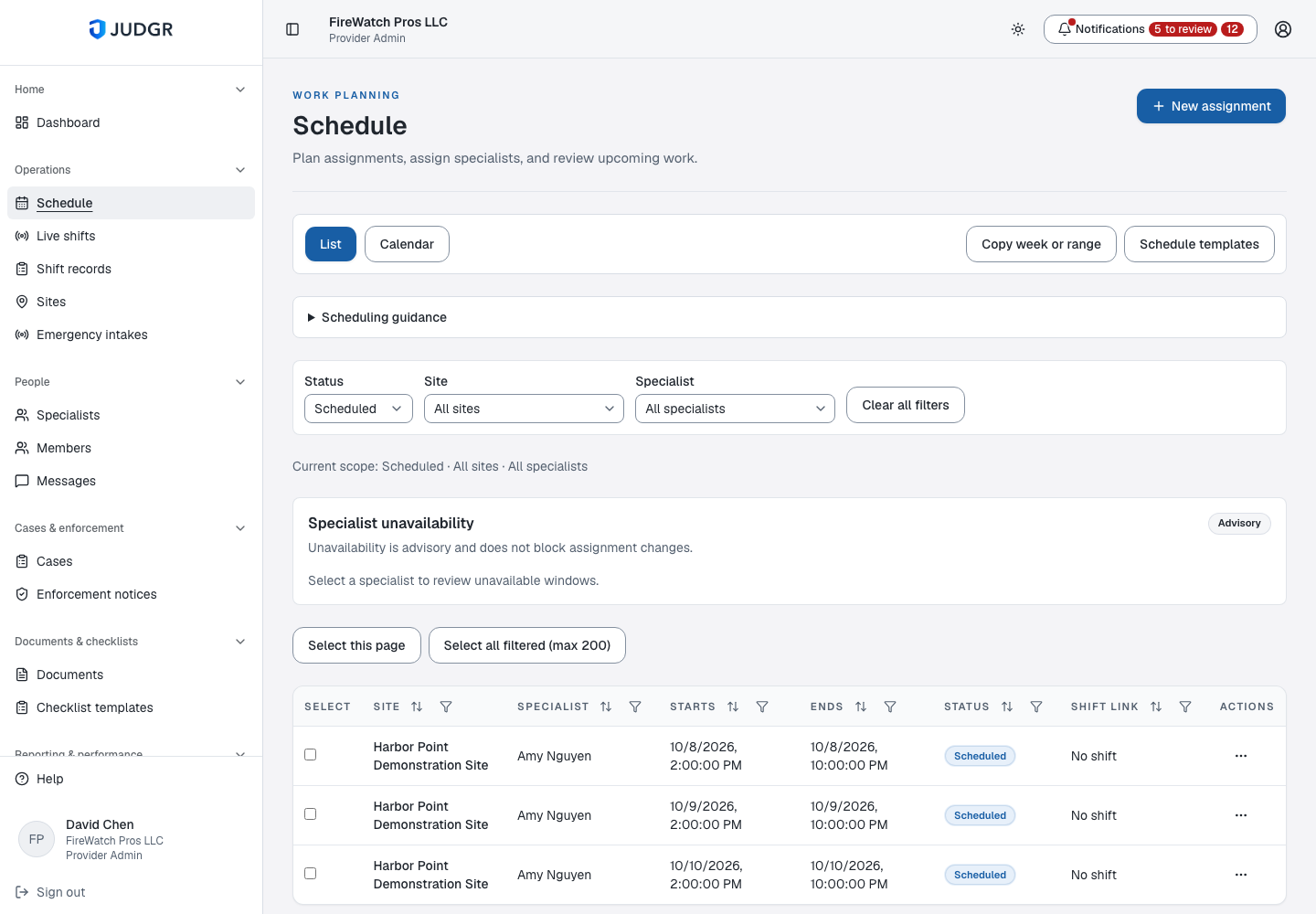
Prepare the site and boundary, assign the specialist, and enter site-local times. The specialist begins their own eligible assignment online. A start needs current access, authorization, qualifications, timing, and acceptable location inside the configured boundary.
Build a useful round-by-round record
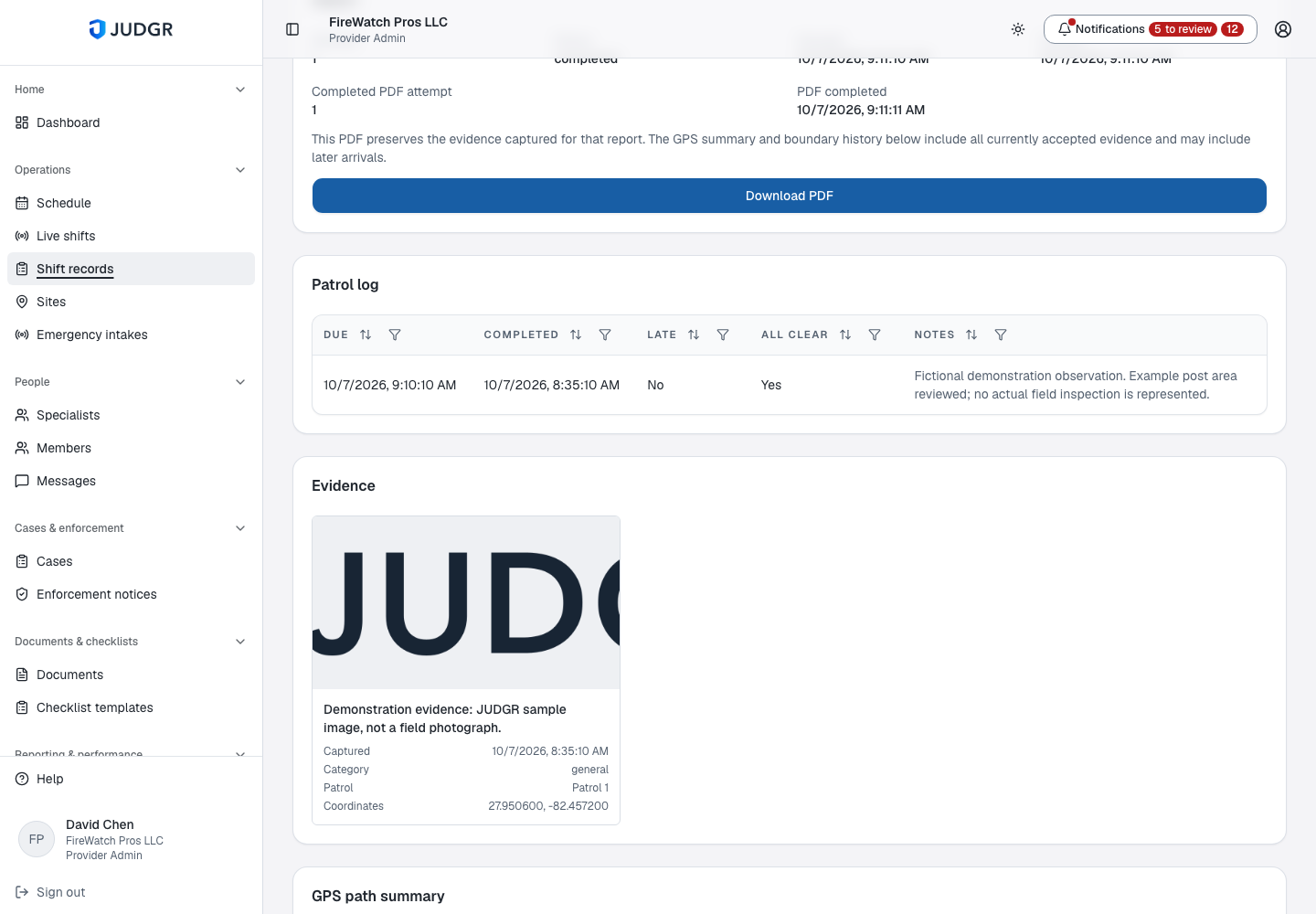
Record the area checked, condition found, and action taken. For an unsecured loading entrance, identify the door and observed condition, add a useful photo, and explain the action under site instructions. Separate direct observations from information reported by others.
Read location alongside the observations
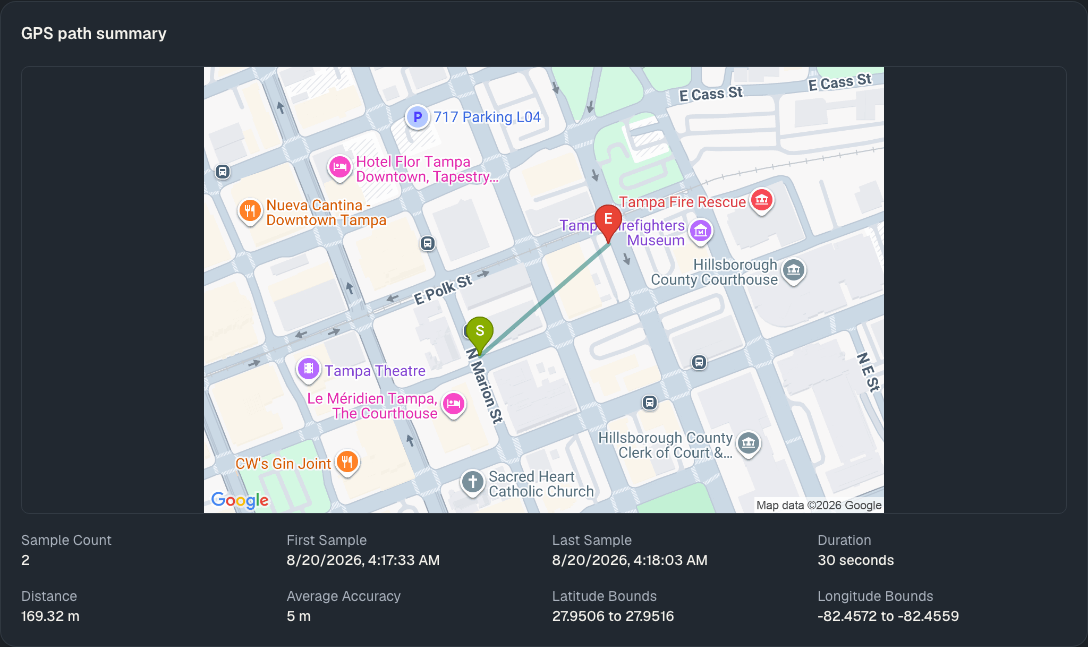
Read recorded GPS samples alongside patrol observations. The latest reported position and retained trail add movement context, with sample times and capture limitations. A position near a door does not establish that its lock was checked.
Check the current patrol model for your service
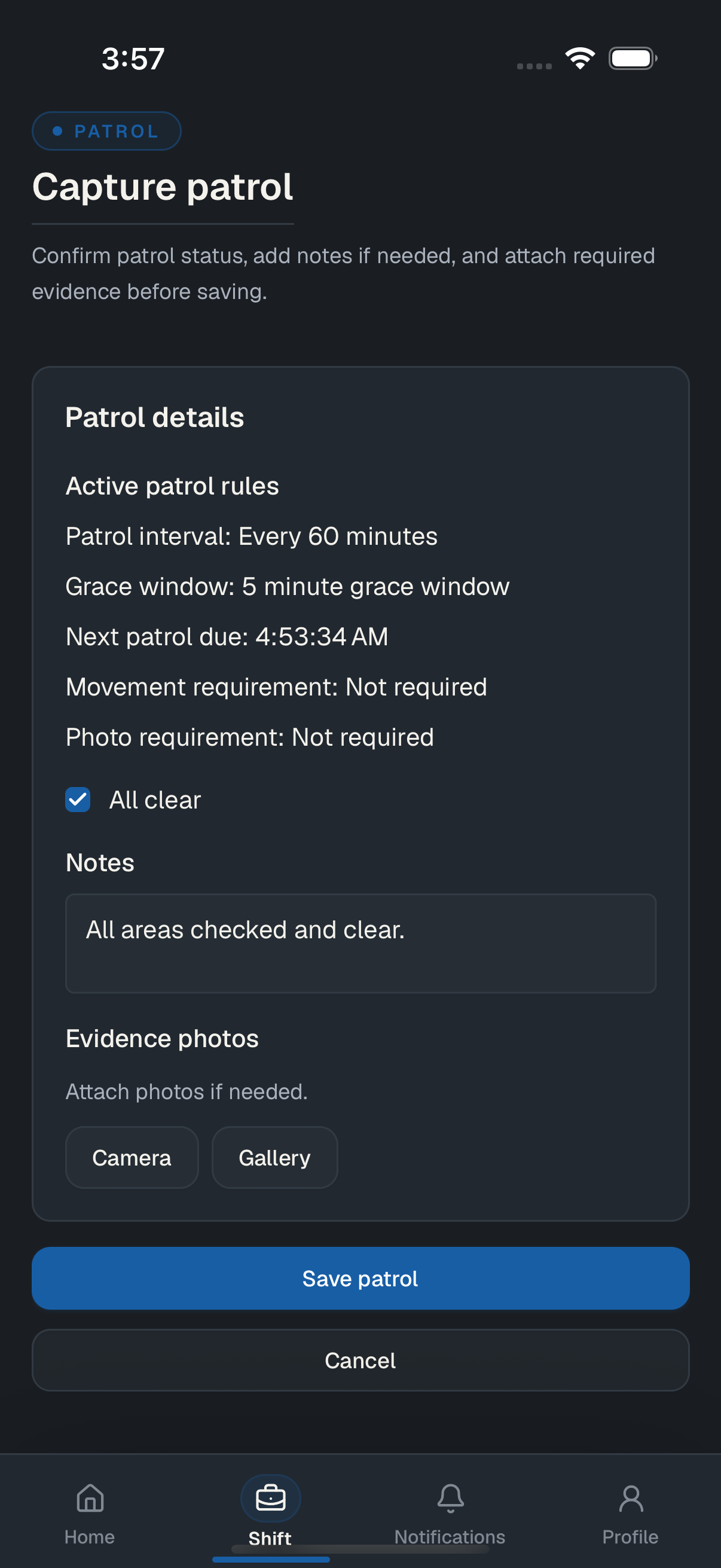
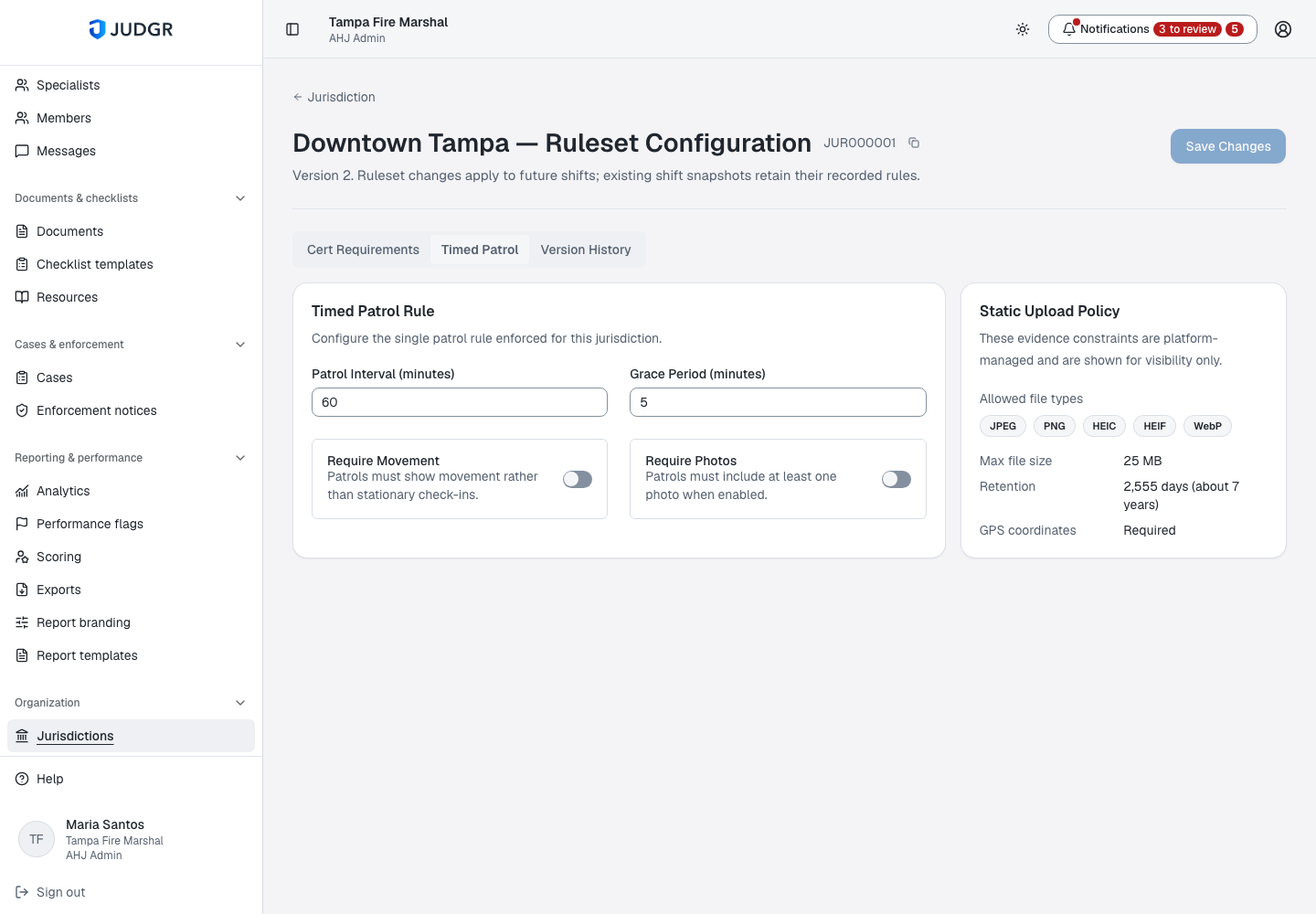
Independent sites need no jurisdiction approval. They use hourly patrols with five-minute grace, required movement, optional photos, and no certification requirements. Jurisdiction rules can differ.
Fixed posts need applicable movement-optional jurisdiction rules and periodic entries. Review those duties separately from roving patrols.
Separate routine observations from incidents
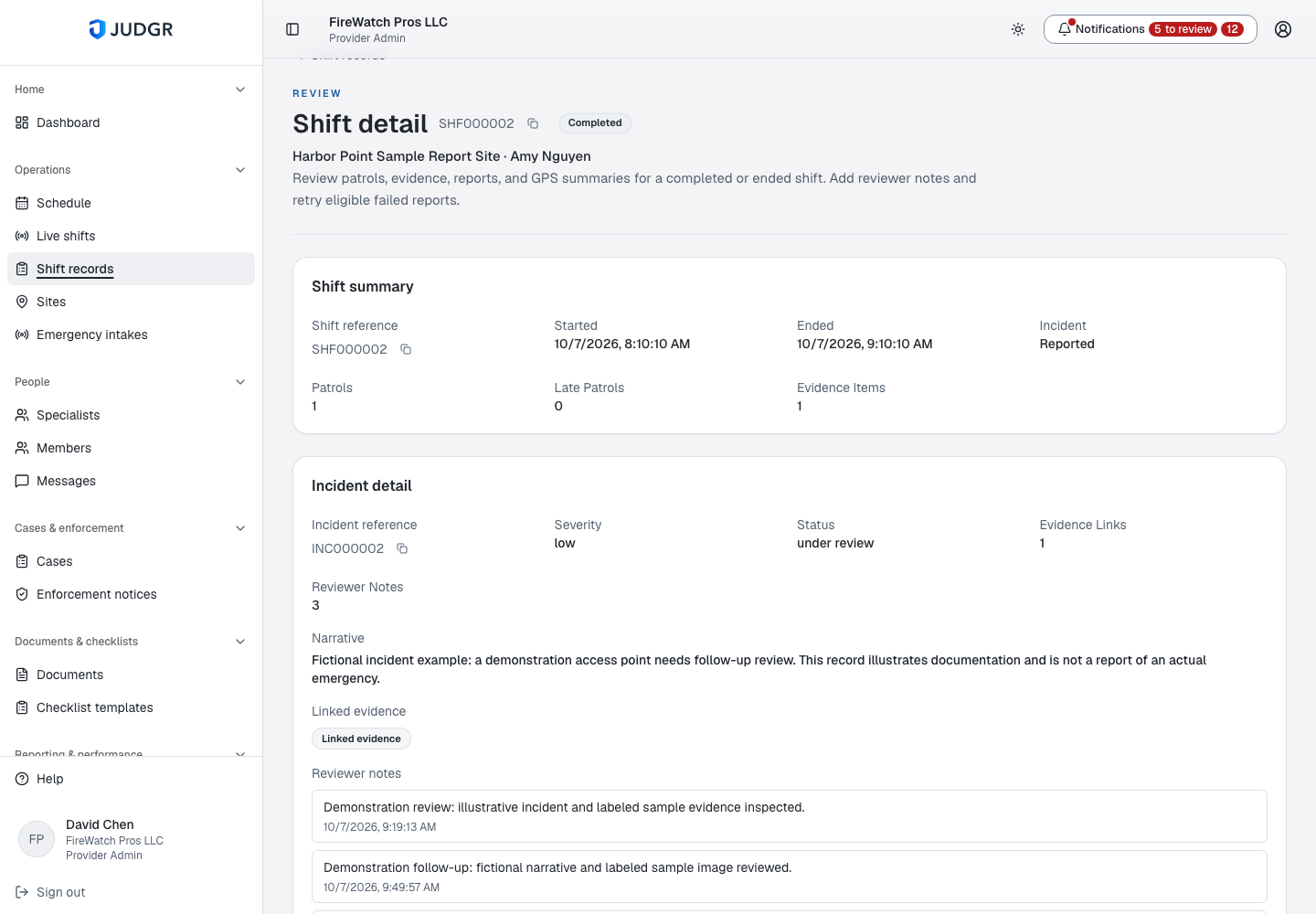
Use the incident record for an event needing its own narrative and evidence. Authorized reviewers inspect it with the shift. Follow established emergency procedures when needed; saving an incident does not dispatch help.
Keep disconnected work recoverable
Start online, then retain supported capture if coverage drops. Reviewers see queued entries after synchronization. Keep pending data, inspect rejection reasons, and use permission or tracking recovery controls before repeating or clearing work.
Know what the completed report means
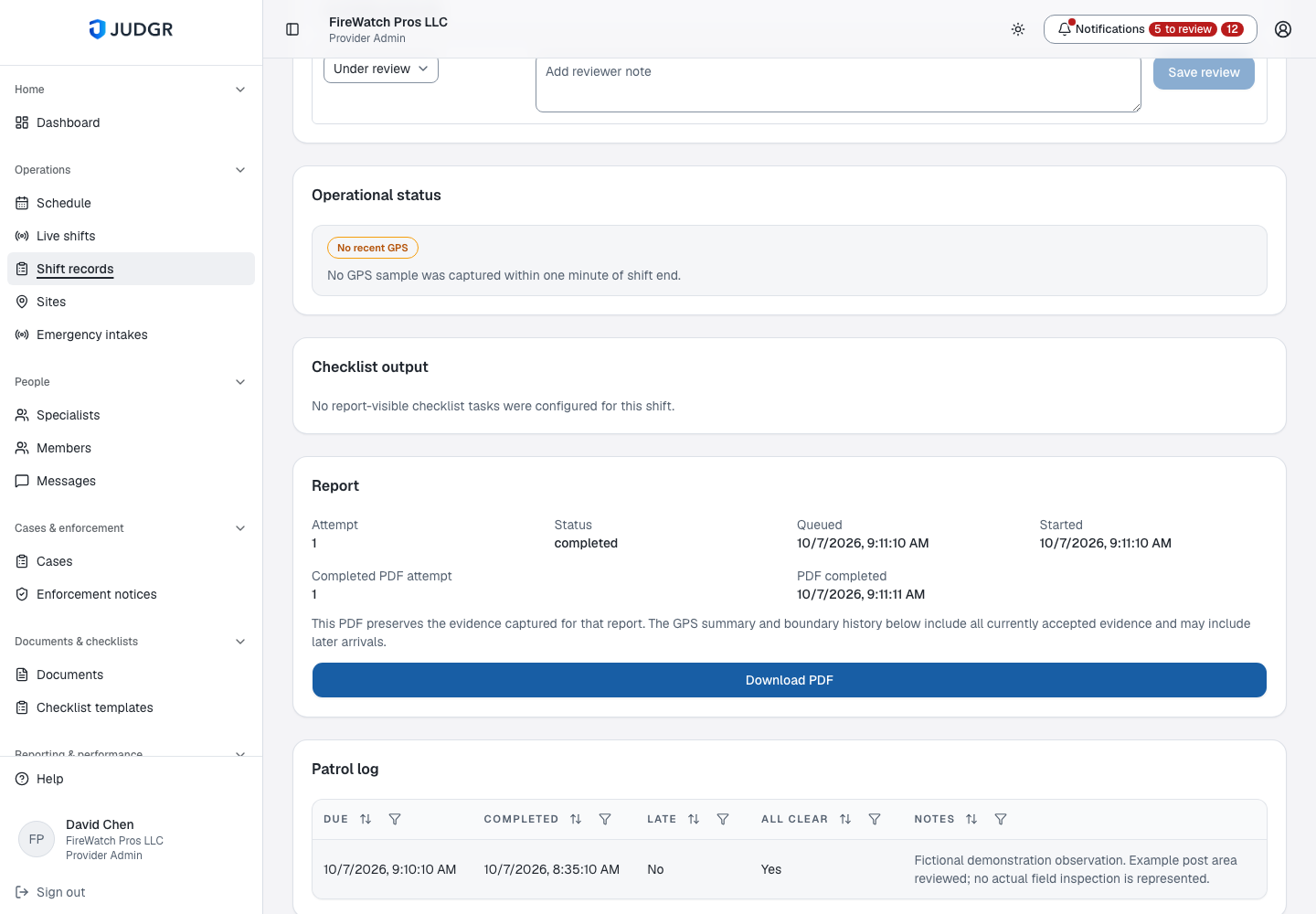
Completed reports assemble patrols, evidence, incidents, and GPS context. Check generation status before sharing. Independent reports use Fire Watch Shift Report; provider branding does not change that heading. Inspect the sample against your customer’s reporting expectations.
Questions about guard patrol operations
Can we use it without a governing jurisdiction?
Yes. Independent sites need no jurisdiction approval, while retaining their default patrol rules and assigned online start requirements.
Is GPS proof that every checkpoint was inspected?
No. Samples provide reported location context. Review them with the actual patrol observations and evidence.
Can a customer register as an authority to view our records?
AHJ access requires verification and governing scope. Public verification does not give customers private review access.
Does the report use a generic guard patrol title?
Independent reports use Fire Watch Shift Report. Provider branding does not replace that heading; inspect the sample for your reporting needs.
Keep exploring
Next step
Connect your field work and review
Tell us about your team, sites and reporting needs. Explore JUDGR or discuss your workflow with us.