

For fire watch providers
Operations Software for Fire Watch Providers
Prepare specialists, record fire watch patrols, and carry evidence through review to a verifiable report. Keep the site’s applicable jurisdiction requirements connected to the work.
JUDGR in use
See the workflow
A walkthrough of the actual application, using demonstration records.
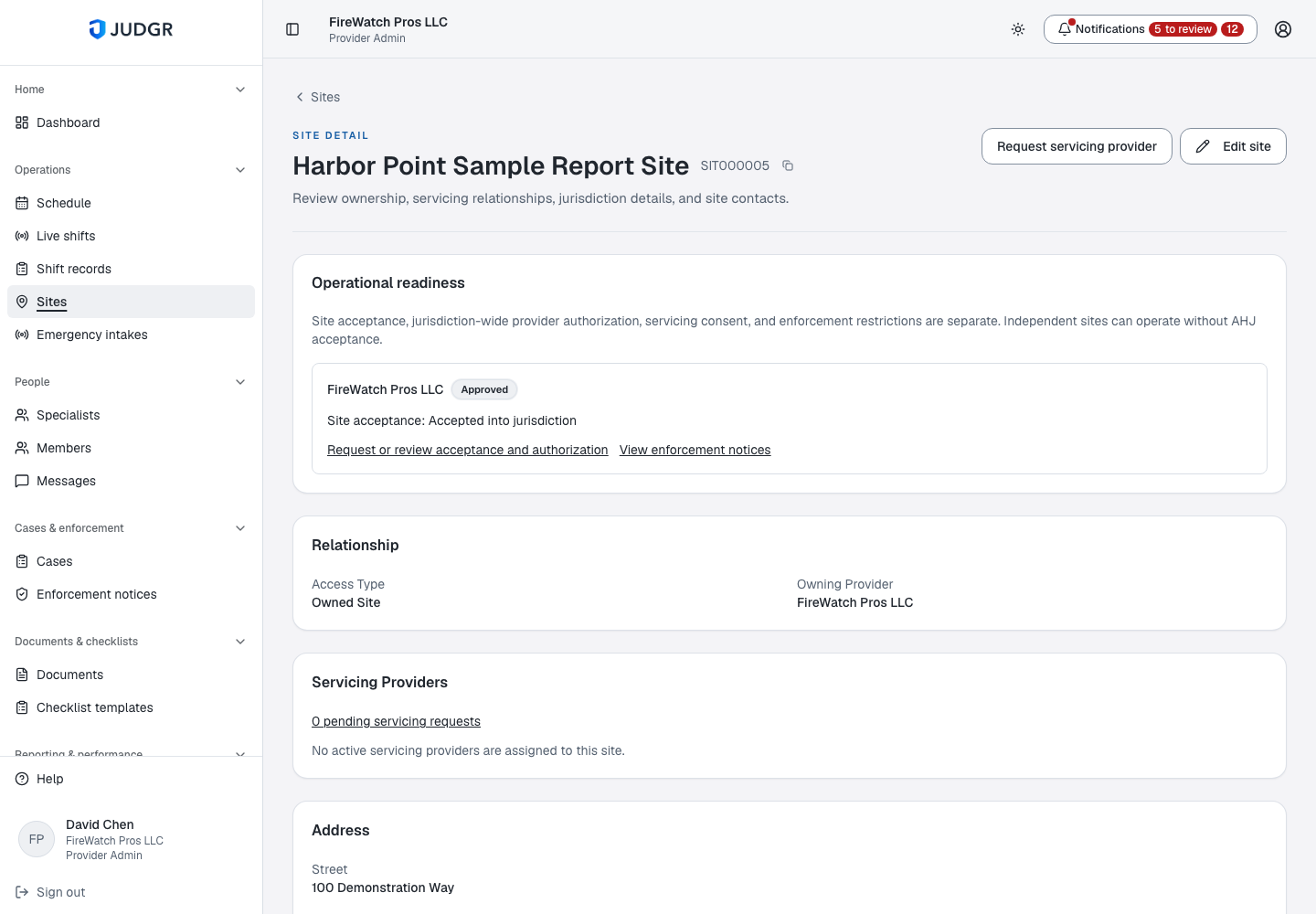
Prepare the site, specialist, and assignment together
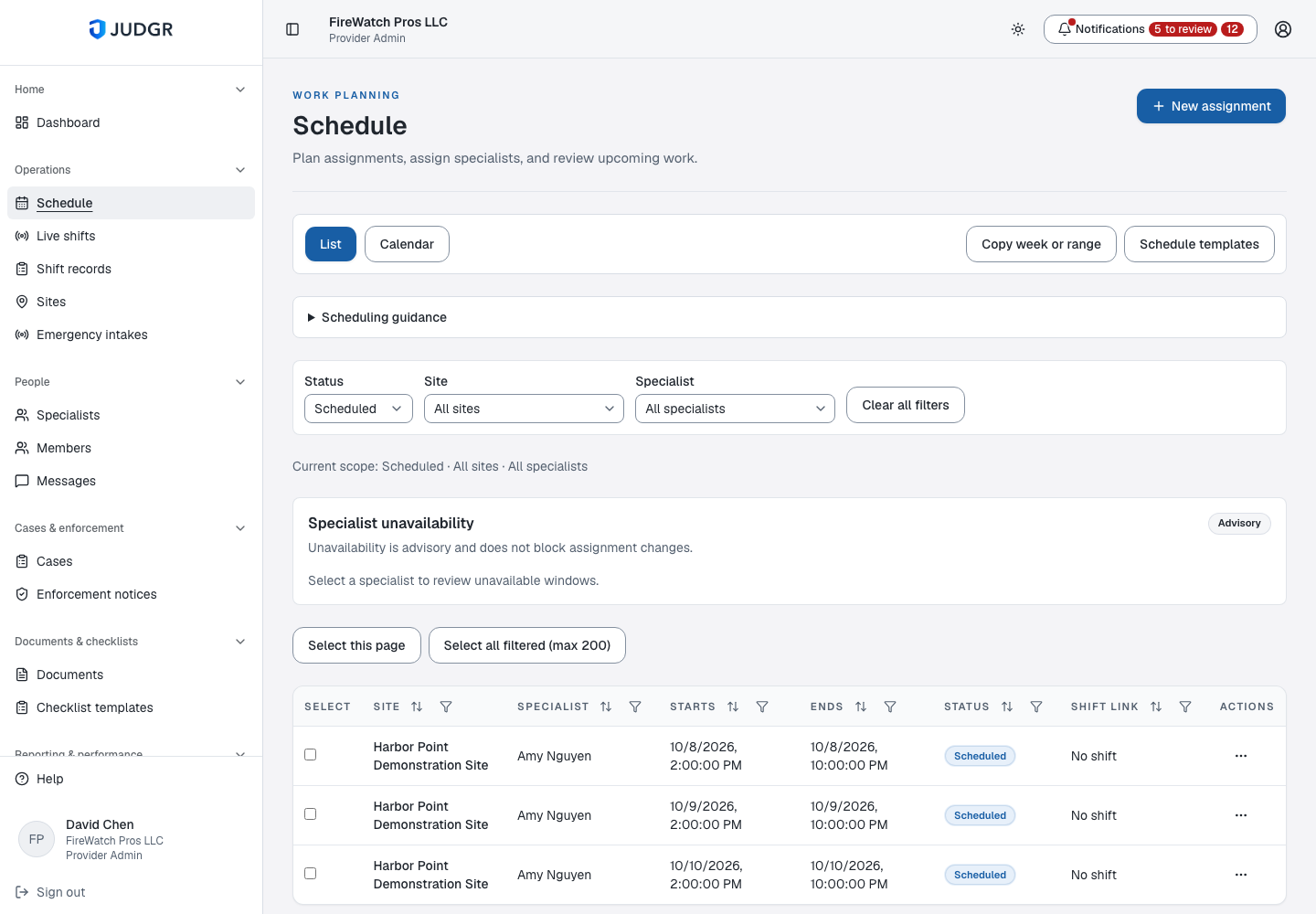
Prepare the site’s address, timezone, boundary, contact, and access details. Maintain the specialist’s qualification records, then schedule their assignment. Required certification types must be satisfied by current valid records at start.
The specialist starts their own assignment online, with current checks for membership, site access, authorization, qualifications, timing, and location. Resolve a blocked prerequisite before deployment.
Apply the rules that govern this site
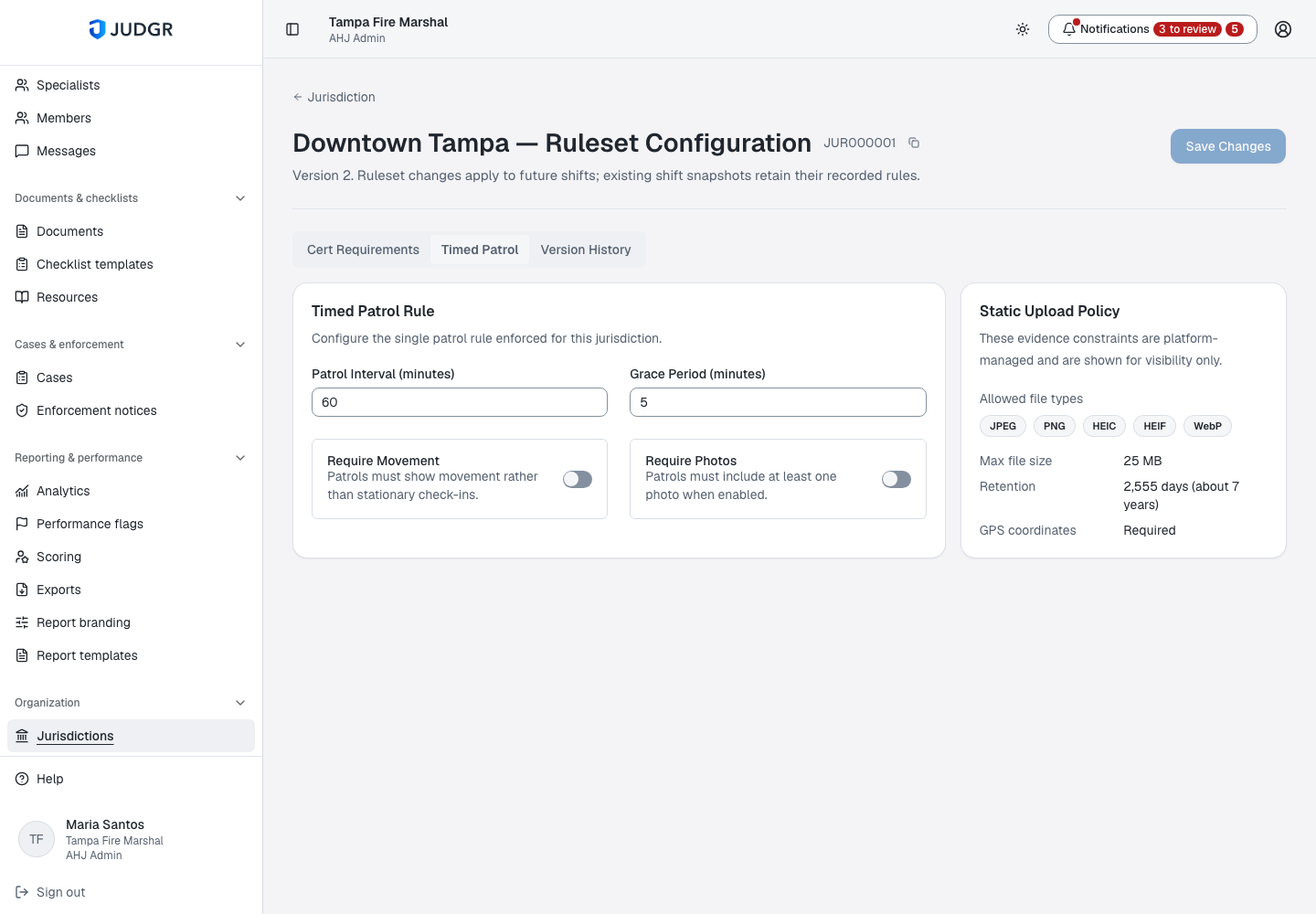
Jurisdiction-linked sites follow their published rules and automatic or manual provider authorization policy. Independent sites need no jurisdiction approval and use hourly patrols with five-minute grace, required movement, optional photos, and no required certifications.
Confirm that the rules match the assignment. Active shifts retain the rules selected at start, so later publication does not rewrite the ongoing work.
Capture what happened during the watch
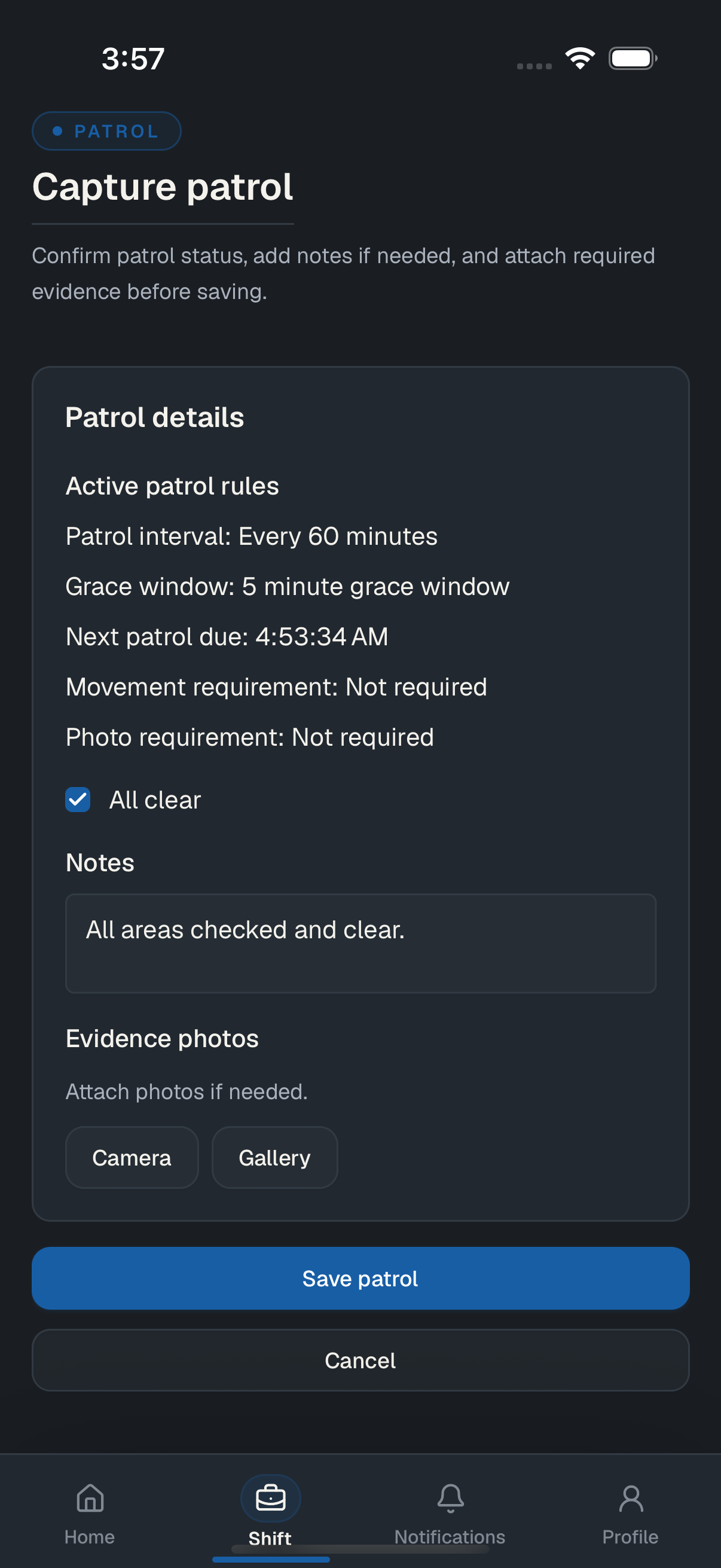
Record each patrol’s all-clear state, notes, and required evidence. Photos can show access conditions, equipment, signage, or a hazard; captions explain the observation. Capture time, location metadata, and hashes support review.
The structured incident adds severity, narrative, and evidence to the shift. Follow the site’s emergency procedure when required. Contact actions open the device dialer; saving the incident does not dispatch help.
Give supervisors a record they can examine
Authorized provider and AHJ reviewers inspect received patrols while work is active, then review the completed record and retained route. Offline entries appear after synchronization. Location displays show reported samples with their timing and accuracy.
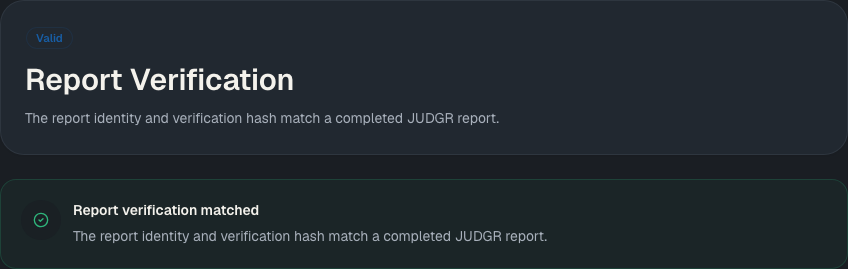
The completed report brings the records together and supports public authenticity verification while protecting private evidence. Controlled corrections keep changes attributable and preserve report history.
Plan for blocked starts and interrupted connectivity
New shifts require an online assigned start. Once active, supported capture can continue through disconnection. Keep pending evidence and closeout data on the device, reconnect, and inspect the result before treating the remote record as complete.
Questions about for fire watch providers
Does every fire watch start require AHJ approval?
No. Independent sites need no jurisdiction approval. Jurisdiction-linked sites follow automatic or manual authorization policy, alongside the other start requirements.
Does a verified report guarantee compliance?
No. Verification checks report authenticity. Compliance assessment depends on applicable requirements, actual work, evidence, and the responsible reviewer’s decision.
What should we bring to a demonstration?
Bring the site, patrol interval, qualifications, contact instructions, and expected report. Follow one assignment through mobile capture and supervisor review.
Keep exploring
Next step
Connect your field work and review
Tell us about your team, sites and reporting needs. Explore JUDGR or discuss your workflow with us.