

Solutions
Software for Field Shifts, Patrols, and Guard Operations
Find the workflow for fire watch, guard patrol, or eligible standing guard work. Connect assignments and field observations with authorized review and reports.
Start with the duty, then check the rules
Identify the field duty, applicable rules, and person who needs the final record. Moving patrols and stationary posts have different evidence needs; choose a workflow that fits the actual assignment.
One record from assignment to report
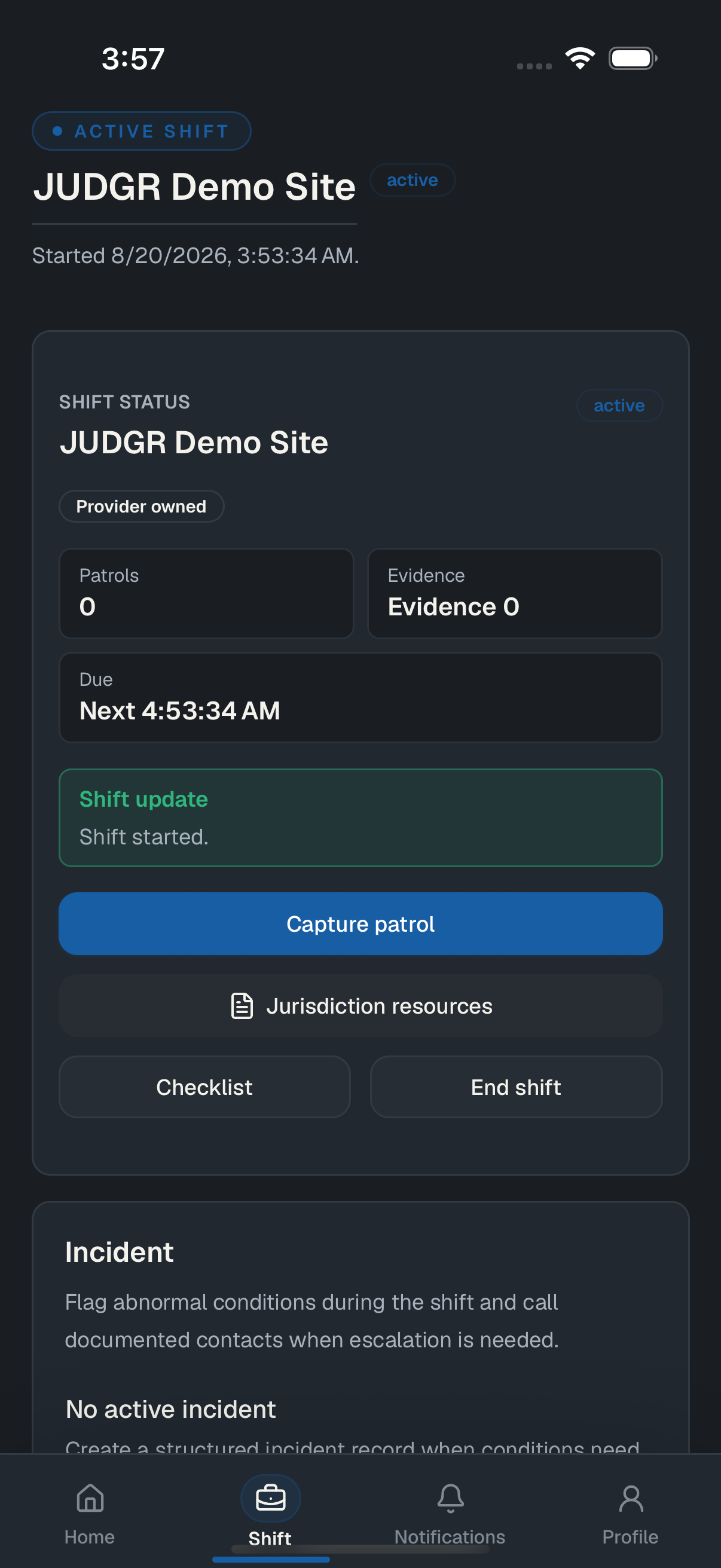
A specialist starts their own eligible scheduled assignment online, captures the field record, and closes out the shift. Authorized reviewers inspect synchronized submissions and retrieve the completed report. Supported offline capture keeps active work recoverable through connection loss.
Assign
Site, specialist and scheduled window
Capture
Patrol entries, photos and incident facts
Review
Authorized access to the shift record
Report
Generated document and integrity verification
Check operational fit before rollout
Independent sites need no jurisdiction approval and use a 60-minute interval with five-minute grace, required movement, optional photos, and no certification requirements. Applicable jurisdiction rules can differ. Standing guard needs movement-optional rules and periodic entries.
Bring a representative shift
Bring one site, an ordinary assignment, and the report your reviewer expects. Include stationary duties, qualifications, and connectivity conditions. A concrete example helps establish fit before expanding to more sites.
Match the reviewer to the record
Provider review and authority oversight follow different organizational relationships. AHJ access requires verification. Report recipients can check authenticity publicly, while private evidence and GPS remain available only through authorized review.
Questions about solutions
Do all sites need authority approval?
No. Independent sites need no jurisdiction approval. Jurisdiction-linked sites follow their governing authorization policy and other eligibility conditions.
Can a client inspect private records through public verification?
No. Public checks verify report authenticity while keeping private photos, field evidence, and GPS protected.
Keep exploring
Next step
Find the right fit for your operation
Tell us about your team, sites and reporting needs. Explore JUDGR or discuss your workflow with us.