

Product features
Field Operations Software Features
Explore the tools connecting planned work, mobile capture, authorized review, and completed reports. Each feature contributes to the same shift record.
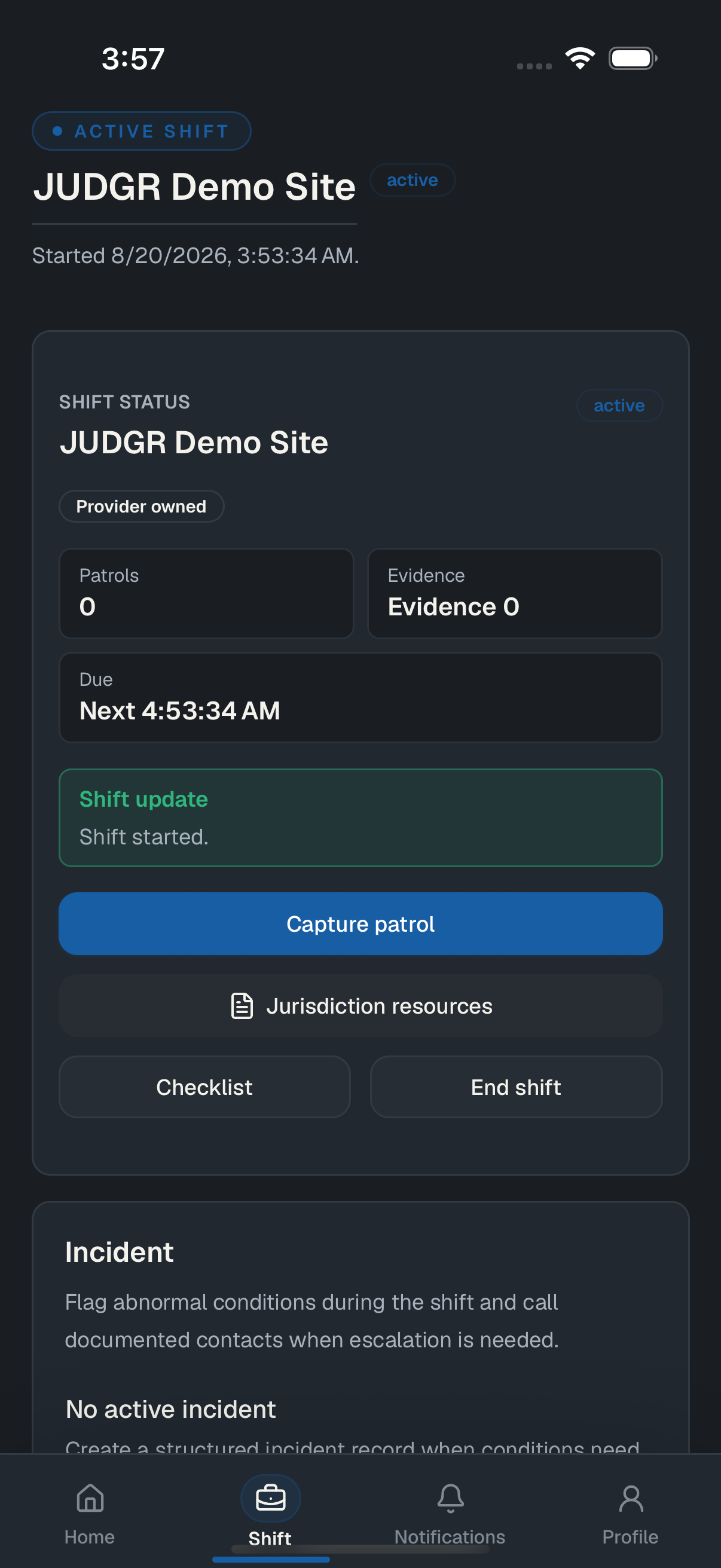
Explore the operational tools
Find the capability that answers your operational question: who is assigned, what was observed, which evidence arrived, and which report is ready.
Shift scheduling
Plan assigned work using site-local times and availability.
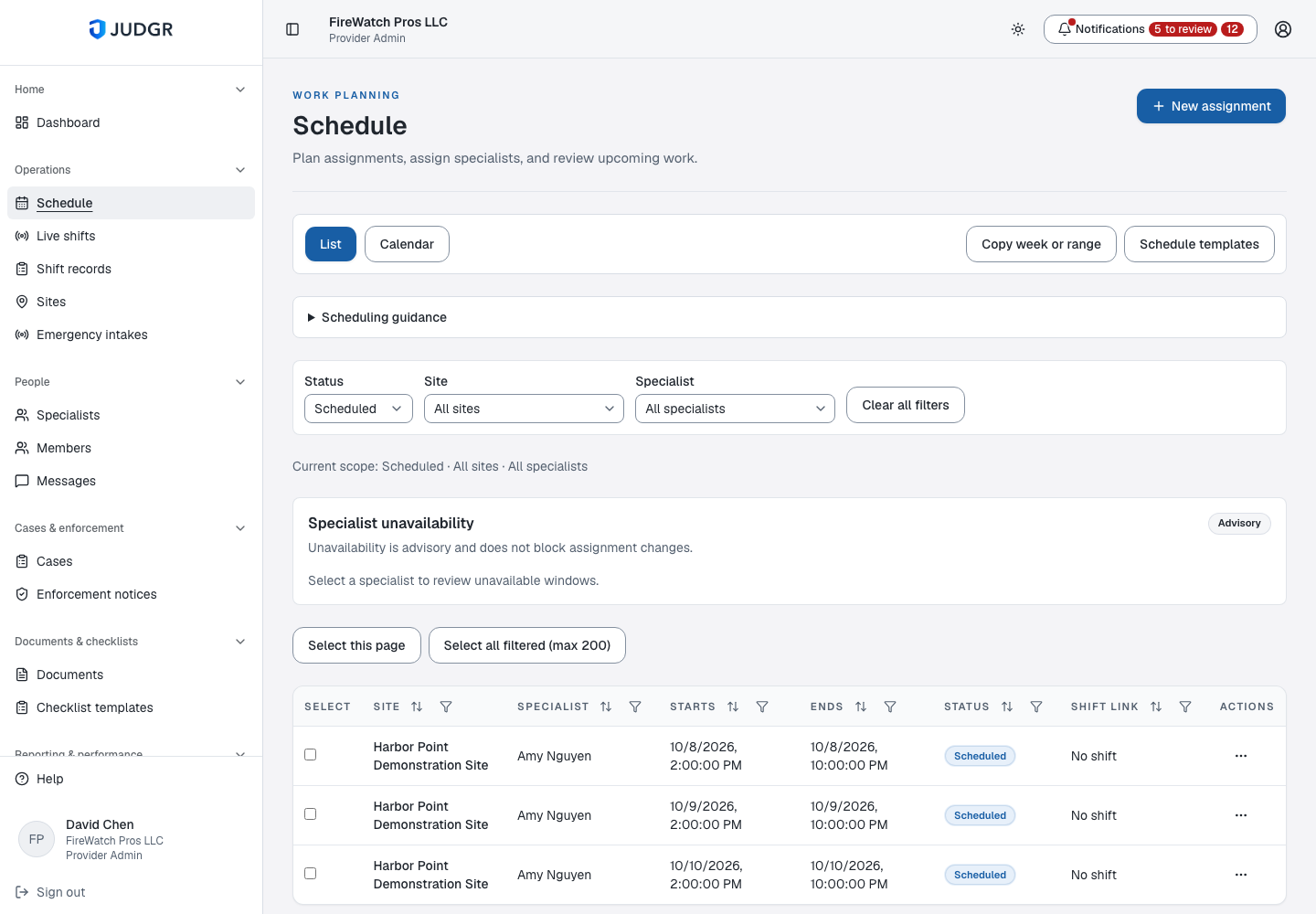
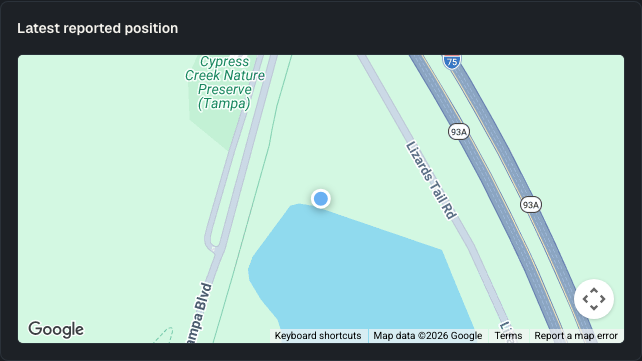
GPS and activity
Inspect reported positions and retained route context.
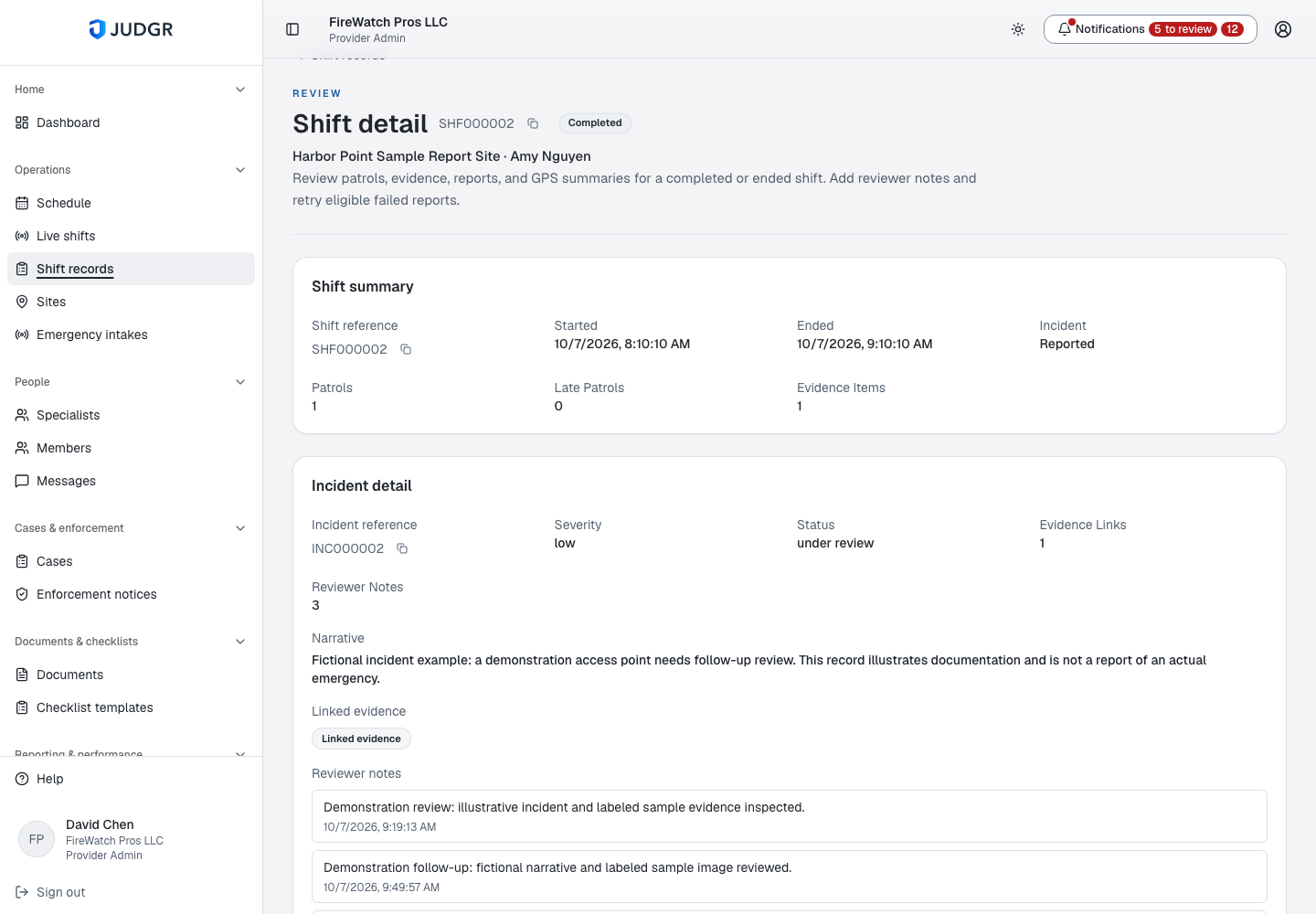
Incident reporting
Connect the event narrative and evidence to the shift.
Evidence capture
Add photos with categories, captions, and capture context.
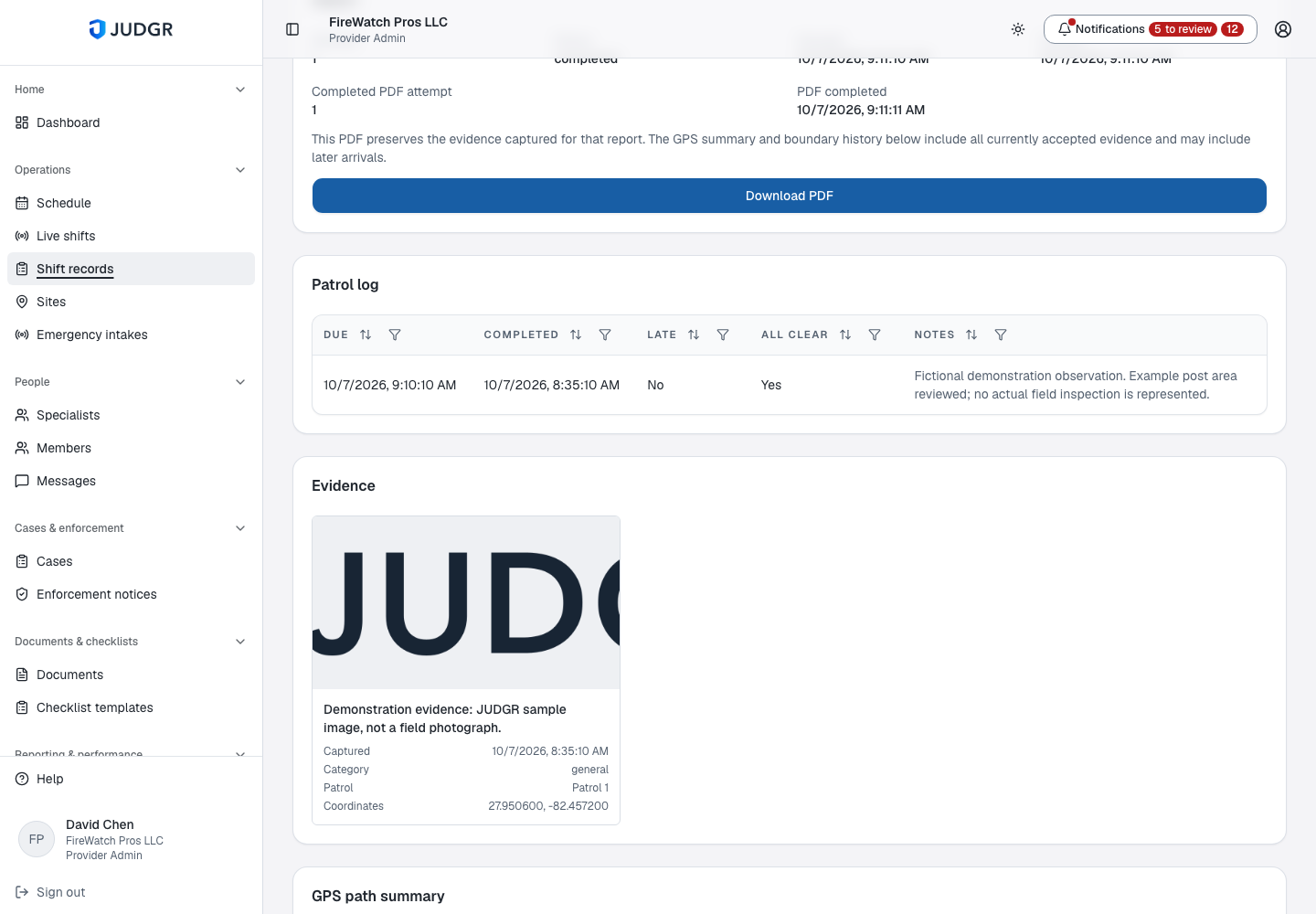
Reports and verification
Download completed reports and check authenticity publicly.
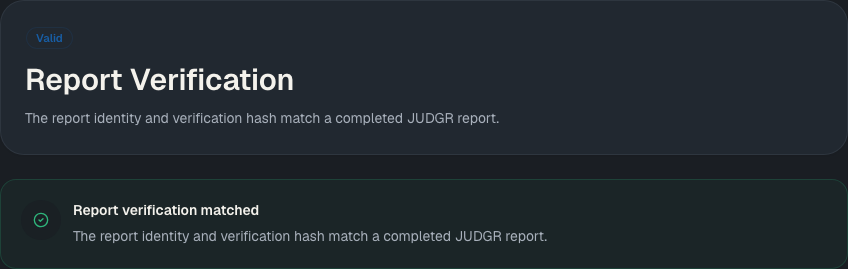
Use the full sequence
Prepare a site and its rules, assign a specialist, and start the work online. The mobile app records observations and supported evidence. Reviewers inspect synchronized entries, then retrieve the completed report after closeout and processing.
Assign
Site, specialist and scheduled window
Capture
Patrol entries, photos and incident facts
Review
Authorized access to the shift record
Report
Generated document and integrity verification
Know which conditions apply
Independent sites use movement-qualified timed patrols. Jurisdiction rules can change movement, photos, and qualifications; stationary work needs applicable movement-optional rules. Explore the solution pages to assess those requirements for your duty.
Evaluate a real workflow
Bring an assignment, sample observation, and expected report to a workflow review. Include connectivity conditions, qualifications, and reviewer roles so you can evaluate the features against your operation.
Look for confirmed states
Assignment, local capture, synchronization, closeout, and report generation each have their own status. That helps the field user and reviewer find the next step. Retain pending work and use the relevant retry or correction path when a stage is blocked.
Questions about product features
Are these features a payroll or billing system?
No. Payroll, timecards, and customer invoicing are outside the operational workflow.
Can everyone review the same shift?
Review depends on authorized organization and governing relationships. Public authenticity checks do not open private shift records.
When do offline entries appear to reviewers?
After successful synchronization. Entries still on the device are not yet part of the reviewer’s received record.
Keep exploring
Next step
Find the right fit for your operation
Tell us about your team, sites and reporting needs. Explore JUDGR or discuss your workflow with us.