

Field resource
Security Incident Report Template
Structure an incident’s observations, actions, contacts, evidence, and follow-up. Download PDF or Word and use the fictional example to write a clear chronology.
Get the template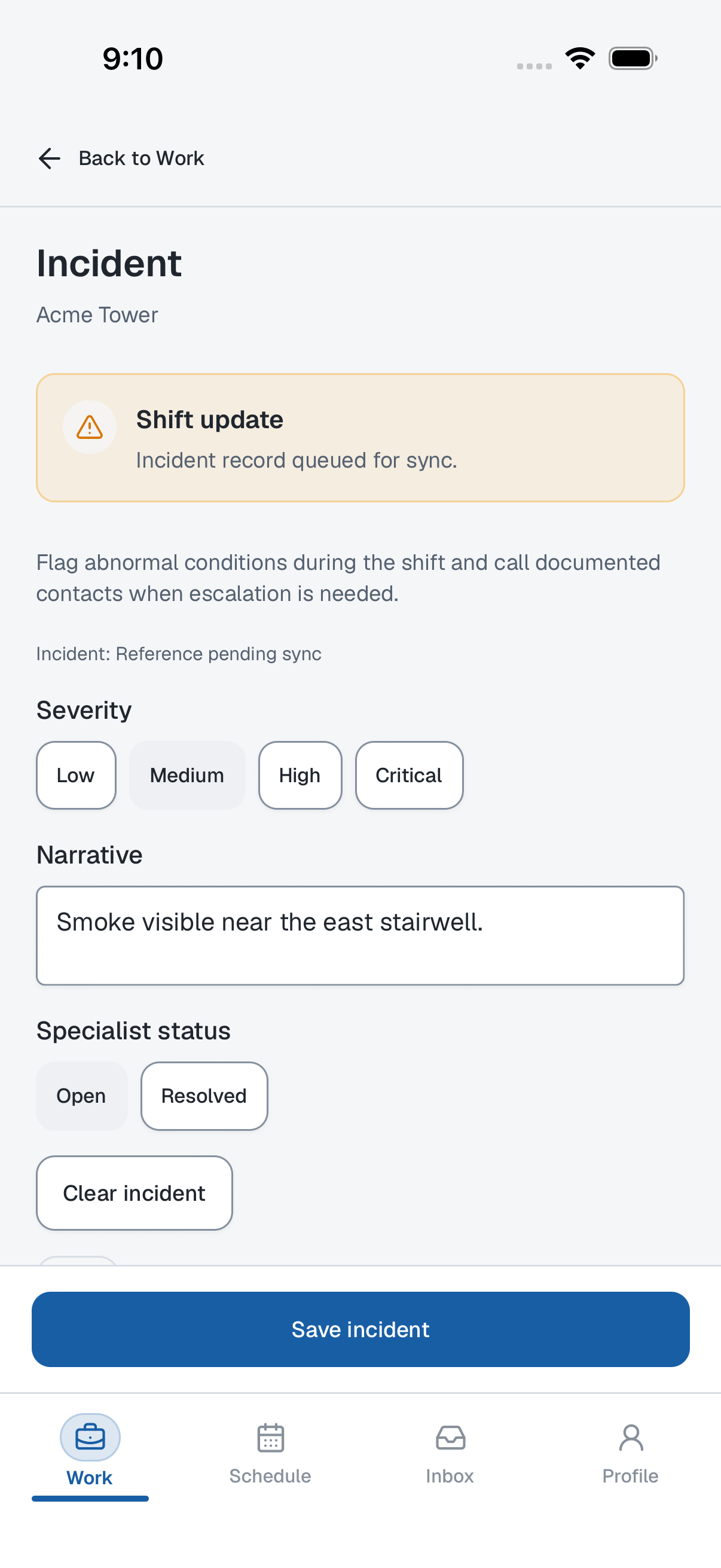
Download your template
Choose a printable PDF or editable Word document. Each includes blank fields and a completed fictional example.
JUDGR in use
See the workflow
A walkthrough of the actual application, using demonstration records.
Use the form after addressing the immediate situation
Use the printable PDF or adapt the Word form for your operation. Follow the site’s immediate safety and emergency procedures before documenting the event; completing a form does not contact emergency services.
Agree which events require a report, which contacts to use, and who reviews it. Keep the incident reference connected to its shift log and attachments.
Identify the event and its record
Identify the organization, site, exact area, specialist, shift, and incident reference. Record event time when known, first observation time, and report preparation time separately. Identify the source of information about events that preceded the specialist’s arrival.
Use established location names, such as ‘north stairwell, second-floor landing.’ State uncertainty and the basis of an estimate where exact time or location is unknown.
- Direct observations and reported information.
- Time, place, and known uncertainty.
- Relevant people, roles, and sources.
- Shift, patrol, and evidence references.
Build the narrative in time order
Write the account in time order: discovery, observed condition, actions, contacts, later observations, and remaining work. Keep causes or motives out of the narrative unless the evidence establishes them.
Attribute reported information. ‘The supervisor stated that maintenance had been called at 21:20’ identifies the source. Explain any inspection limits so reviewers can distinguish unknown conditions from observed ones.
Distinguish contact attempts from confirmed responses
Record each contact’s time, person or role, method, and outcome. Separate unanswered calls, messages left, answered calls, and confirmed instructions. Add the actions actually completed under those instructions.
Emergency response follows the site’s contact procedure. The record documents that response; it does not initiate dispatch or confirm acknowledgement by itself.
Give attachments enough context to be useful
List attachments with a reference, description, time or source, and connection to the event. Retain originals under your organization’s policy and distinguish annotated copies.
Explain missing evidence. In JUDGR, an incident camera attempt that cannot obtain required location has not saved the photo. Check settings and the visible result before retrying.
Worked example: a water leak near the patrol route
Fictional example: At 01:12, Avery Morgan observes water pooling beside a west service corridor ceiling panel. The supervisor answers at 01:16 and instructs Avery to keep the area clear. At 01:35, Avery observes maintenance staff placing a barrier.
Photo E01 shows the initial condition; the account references the 01:12 patrol. The leak’s cause and repair outcome remain unknown to Avery. Follow-up asks the supervisor to confirm the maintenance result.
Review the record before relying on it
Check identity, chronology, narrative, contact outcomes, and attachment references. Resolve inconsistencies through the appropriate review process while keeping the observer attributable.
JUDGR retains incidents with the active shift and makes synchronized records available to authorized reviewers. Inspect the saved incident before closeout, retain pending work, and resolve visible recovery messages.
Keep exploring
Next step
Bring your records into one workflow
Tell us about your team, sites and reporting needs. Explore JUDGR or discuss your workflow with us.