

Evidence capture
Field Evidence Capture
Attach photos to the patrols and incidents they document. Capture context, categories, and captions help reviewers understand each image, while upload status shows when evidence has reached the record.
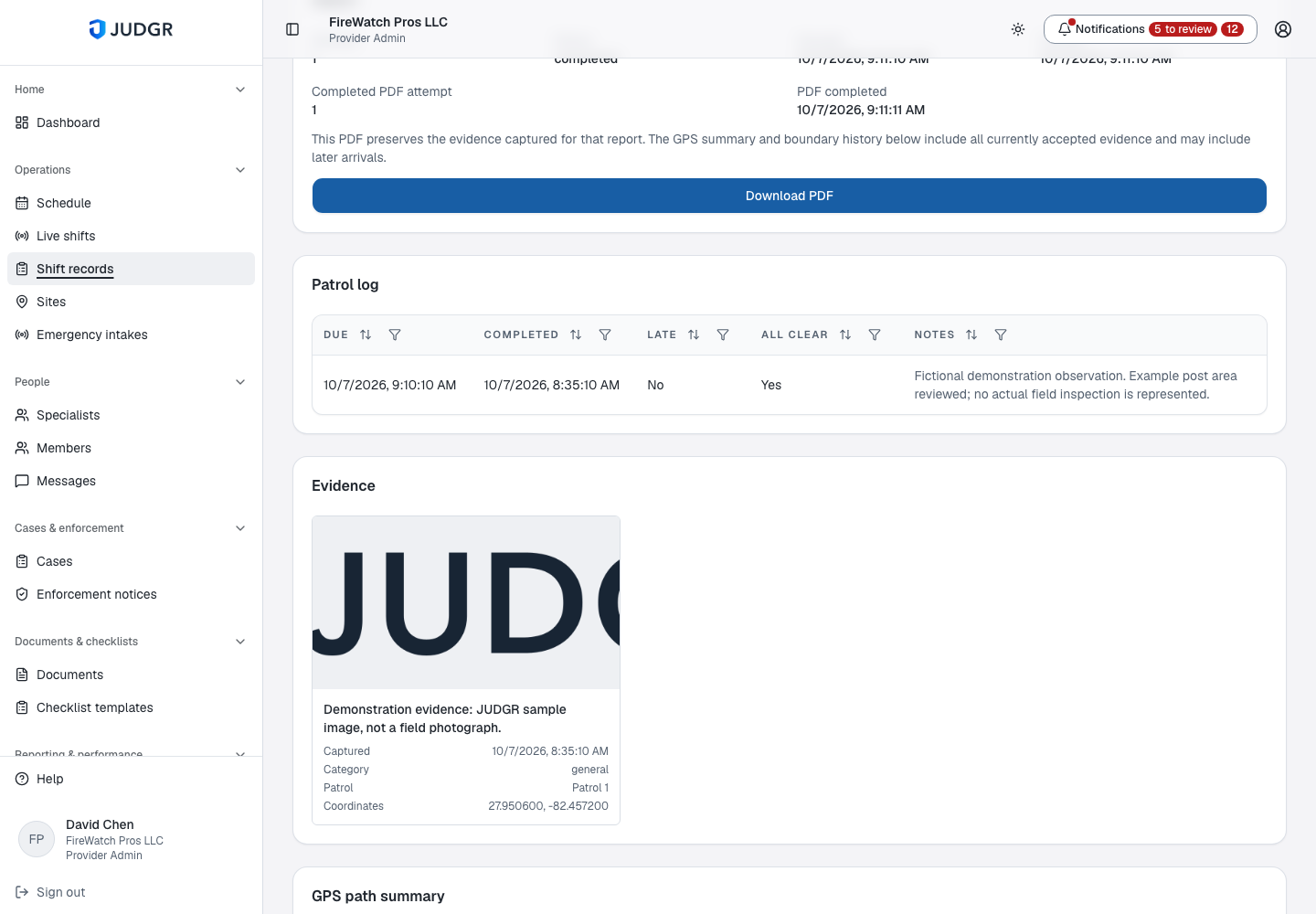
Give each photo a reason to be in the record
Connect each image to an observation. For a blocked corridor, the patrol note describes the condition and action; the photo and caption show the relevant detail. A focused, explained set of images is easier to review than unrelated attachments.
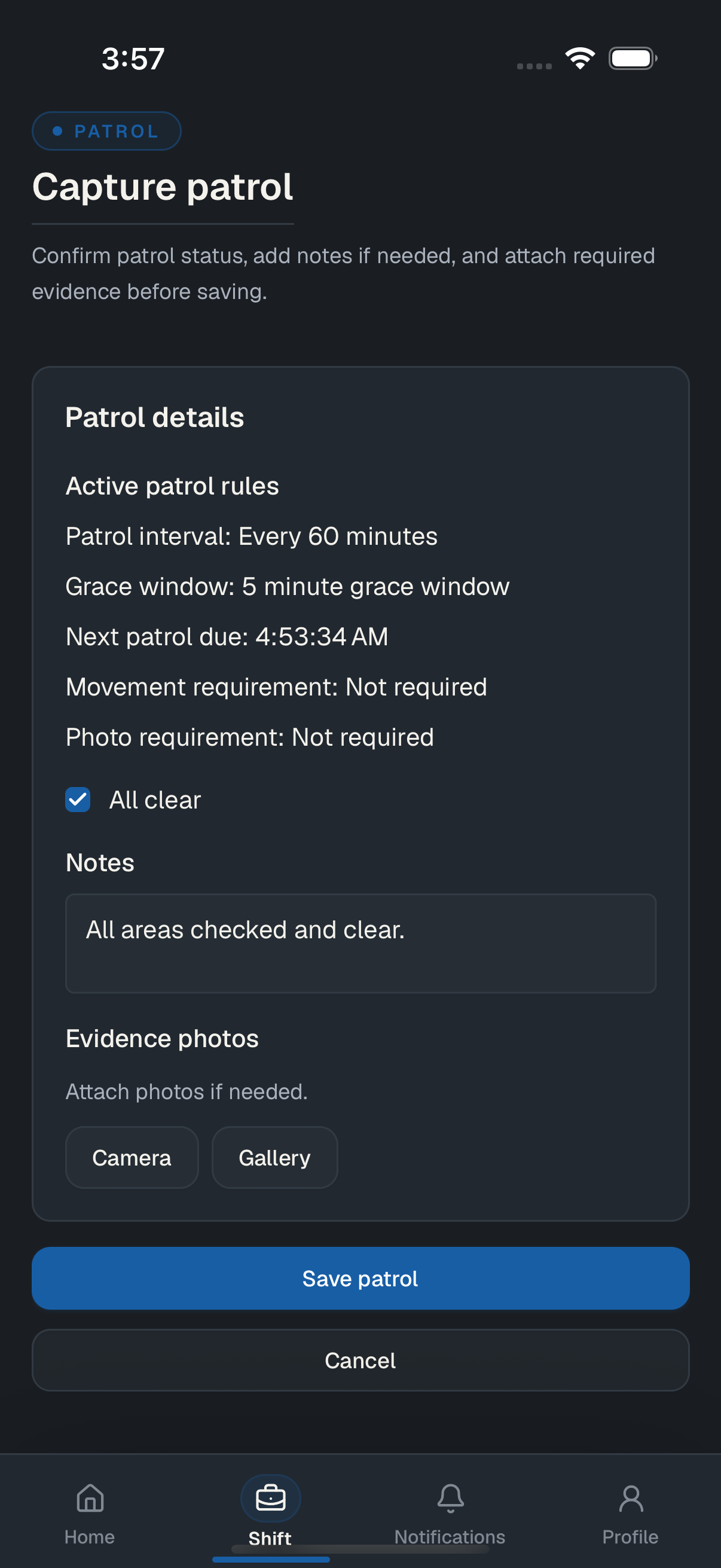
Review selected photos before saving the patrol
Use Camera or Gallery for patrol photos. Gallery uses the system picker, so specialists choose the images to share without full-library access. Review thumbnails, categories, and captions, then remove any incorrect selection before saving.
Finish or cancel an open selection before using other capture controls. Canceling preserves existing notes and previously selected photos.
Location is part of evidence confirmation
Evidence confirmation needs usable current location as well as device access. If location cannot be obtained, check services and permissions, then retry the current work.
Independent patrol photos are optional; jurisdiction rules may require them. Movement-optional rules can still retain photo and location requirements.
Recover the specific capture or save problem
Read the capture error and retry Camera or Gallery after correcting access. For a save failure, current notes and selected photos remain available. Resolve the stated requirement and retry Save patrol; previews show selection, while saved status confirms the record.
Preserve pending evidence during disconnection
Supported evidence can queue during disconnection after an online shift start. Retain the data and reconnect to synchronize. If a reviewer cannot open a photo, check upload state, read errors, and access separately before repeating capture.
Review images within the record and its permissions
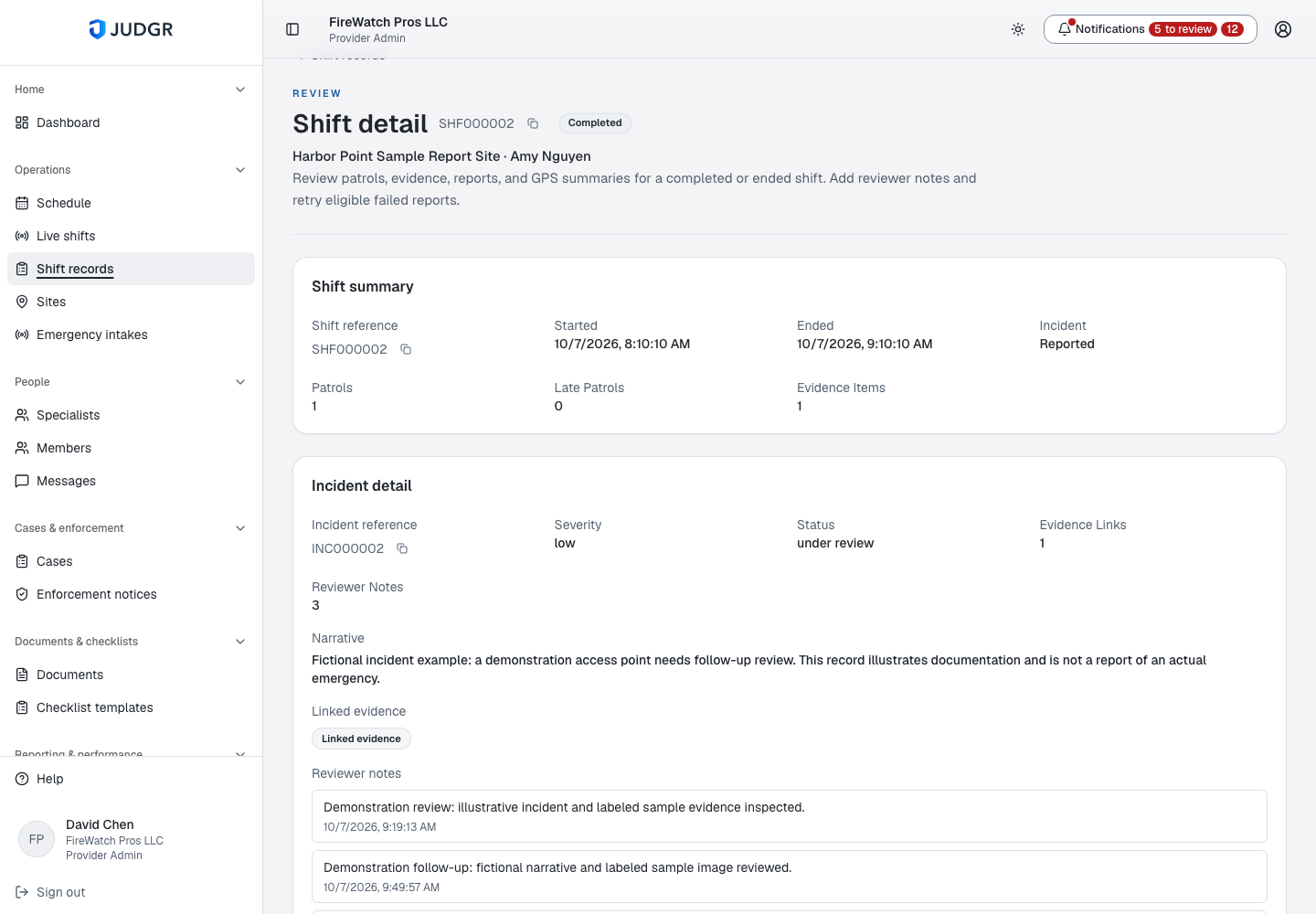
Authorized provider and AHJ reviewers see permitted photos in active and completed shift context. Reports include evidence metadata; public authenticity checks keep the underlying photos and GPS private. Confirm any further review needs through the operating organization.
Questions about evidence capture
Are patrol photos always required?
Independent-site photos are optional. Applicable jurisdiction rules may require them.
Do we need full photo-library access?
No. Patrol Gallery uses the system picker so specialists select the images to share.
Why can a photo fail when the phone is online?
Confirmation needs usable current location and device access as well as connectivity. Follow the displayed recovery message.
Will public verification expose our images?
No. Public report verification protects private photos and GPS.
Keep exploring
Next step
Connect your field work and review
Tell us about your team, sites and reporting needs. Explore JUDGR or discuss your workflow with us.