

Reports and verification
Shift Reports and Public Verification
Bring the shift’s records into a completed PDF with a public authenticity check. Keep processing status, report versions, and private review clear from generation through sharing.
JUDGR in use
See the workflow
A walkthrough of the actual application, using demonstration records.
A report assembles the shift’s recorded context
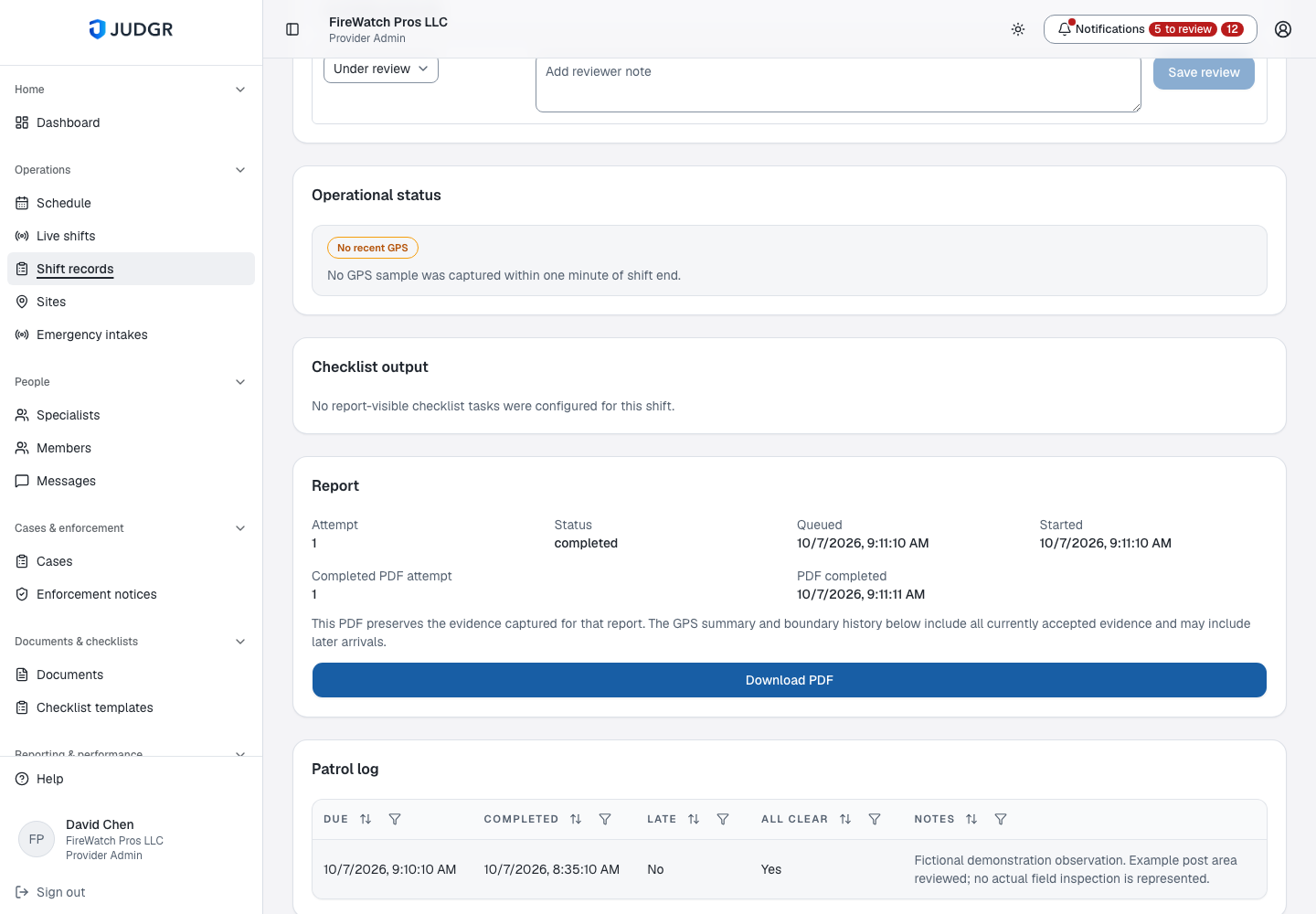
Reports assemble site and provider identity, shift details, patrols, evidence metadata, GPS context, and an incident summary. They use the recorded work and applicable configuration, giving recipients a portable account of the shift.
Check readiness before promising a download
Closeout synchronization and report generation have separate states. Check status before downloading: a pending or failed attempt is not an available PDF.
Administrators and members can retry eligible terminal report failures. A status-read retry simply reloads information. After generation retry, wait for completion; prior successful artifacts retain their history.
Understand who controls report presentation
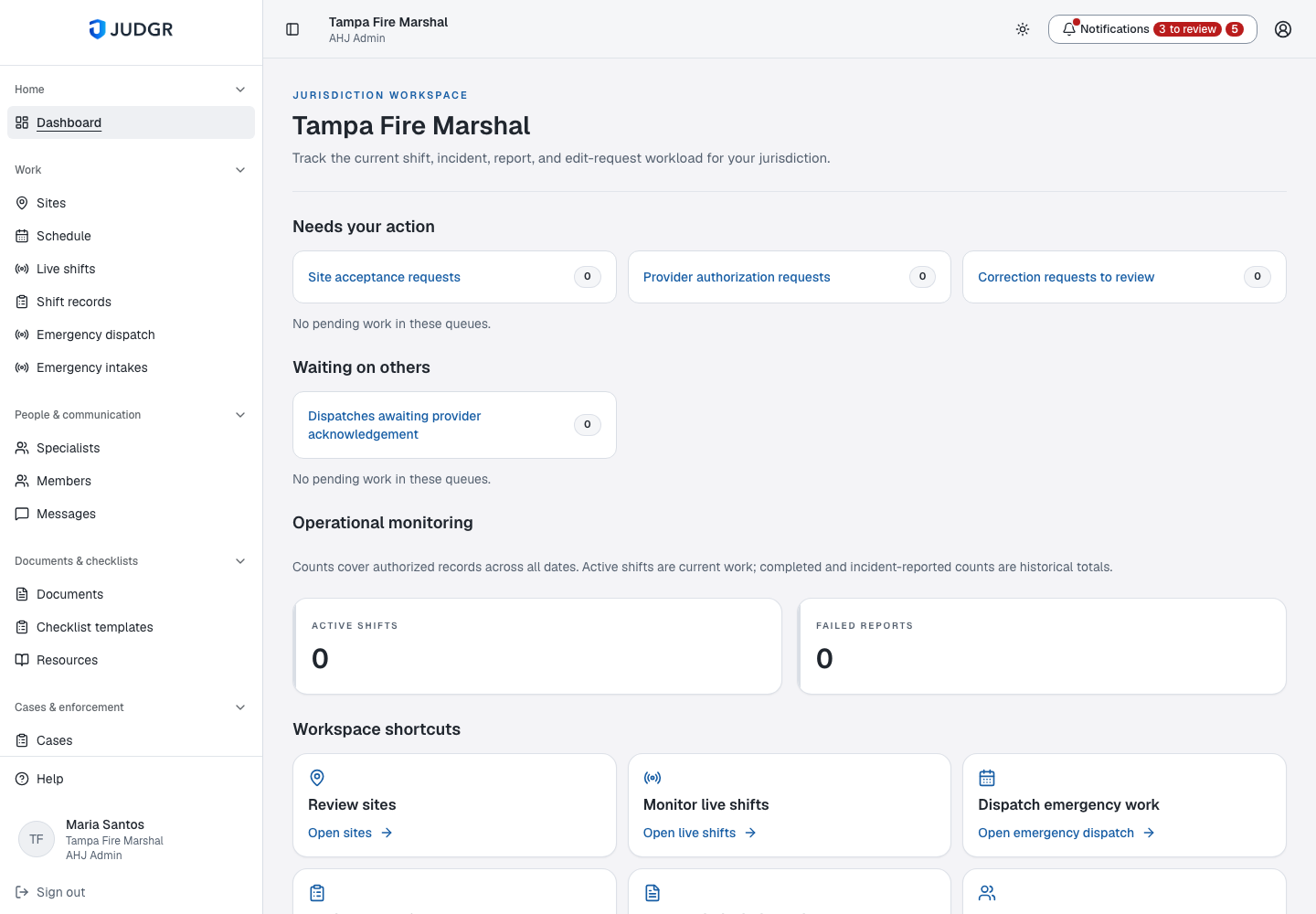
Operating administrators maintain report branding; members can inspect it. Verified AHJs manage jurisdiction report templates. Members can save and preview drafts, while administrators publish or archive them.
Save a draft before previewing its sample output. Publication applies separately, and provider branding has different controls from an AHJ template.
Check the current heading for broader patrol use
Independent reports use the cover heading Fire Watch Shift Report. Provider branding does not replace it. Inspect the sample against broader patrol or standing-guard reporting needs; jurisdiction heading customization belongs to authorized AHJ template administration.
Public verification checks the report reference
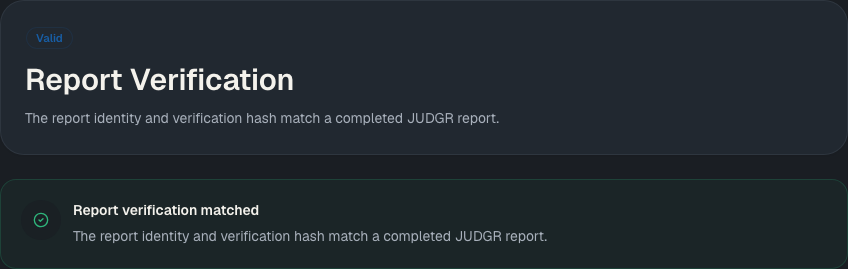
Recipients follow the report’s verification reference to check its authenticity state. Public results distinguish valid, revoked, superseded, mismatched, and unavailable records without exposing private evidence or GPS.
Resolve a mismatch or unavailable reference with the sender. A valid result supports artifact authenticity; acceptance of the underlying work is a separate decision.
Retain history when a correction is needed
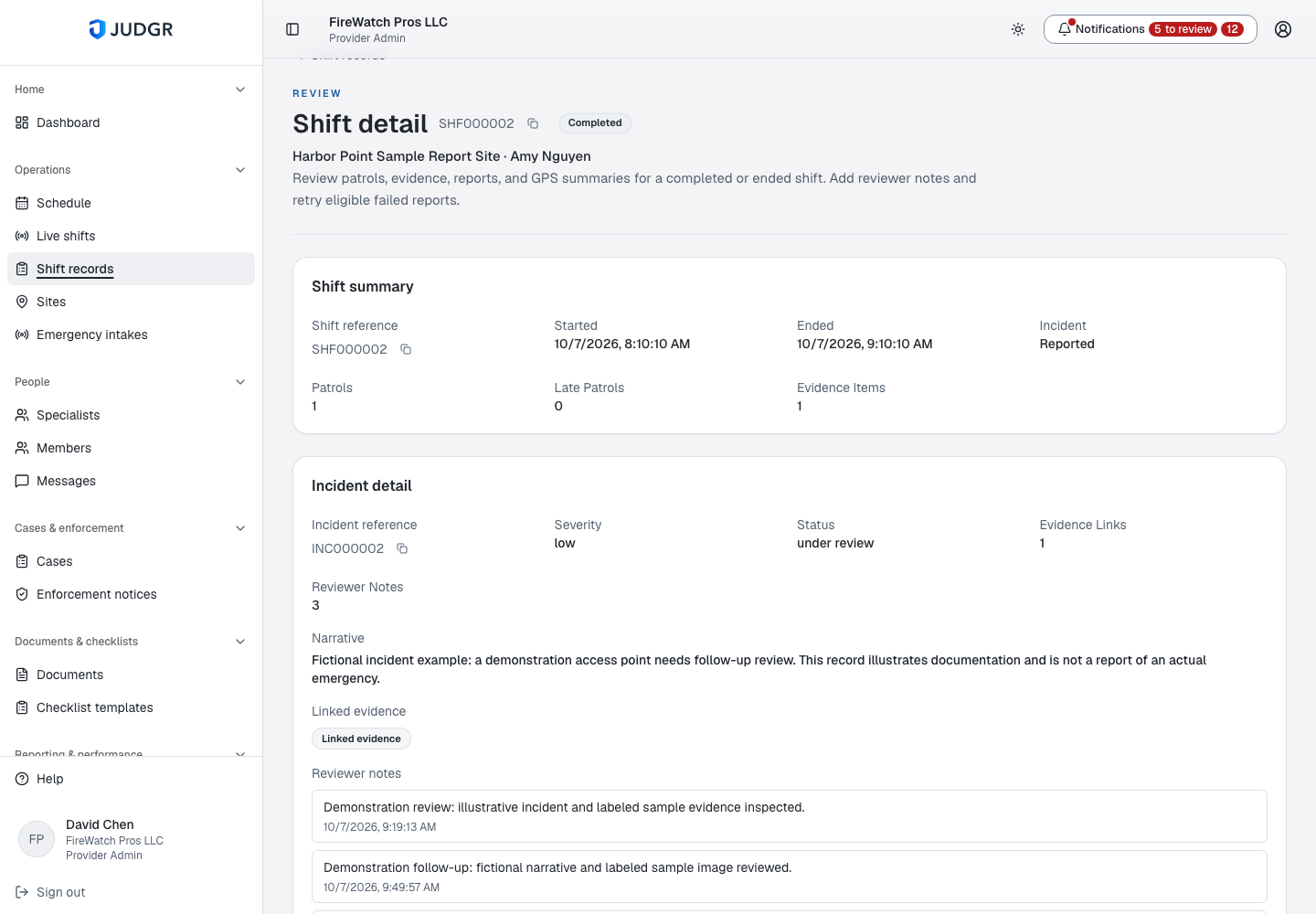
Protected corrections use an attributable request and decision process. An approved correction can trigger replacement report work, while earlier artifacts remain distinguishable.
Correction and replacement generation have separate states. A report failure does not undo the correction. Check the updated artifact and verification status before distributing it.
Read timestamps in the output’s context
New PDFs display site-local times and retain the shift’s recorded boundary. Earlier downloads keep their original content. Ordinary application displays use the viewer’s timezone, so compare the same shift and report version when investigating a clock difference.
Questions about reports and verification
Does a valid result mean the shift complied with every requirement?
No. Verification checks authenticity. Acceptance of the actual work and requirements has its own review.
Why is a completed shift still missing its PDF?
Closeout, synchronization, and generation have separate states. Check report status and retry an eligible failure when offered.
Can providers change the independent report to a generic guard title?
No. Independent reports retain Fire Watch Shift Report. Provider branding has separate identity and supporting-text controls.
Can a public visitor inspect private evidence?
No. Public verification checks authenticity while protecting photos, evidence, and GPS.
Does an approved correction instantly produce a replacement?
No. Correction approval and replacement processing are separate. Check the updated artifact before distributing it.
Keep exploring
Next step
Connect your field work and review
Tell us about your team, sites and reporting needs. Explore JUDGR or discuss your workflow with us.