

See JUDGR in action
JUDGR Demo Library
All demos are free. Watch the overviews now, or share your contact details to access all 45 detailed walkthroughs. No meeting required.
Persona overviews
Explore the complete workflows
All demos are free. Share your contact details for immediate access. Watch on your own schedule; our team will follow up by email.
Detailed walkthroughs
Browse the topics before sharing your details for access.
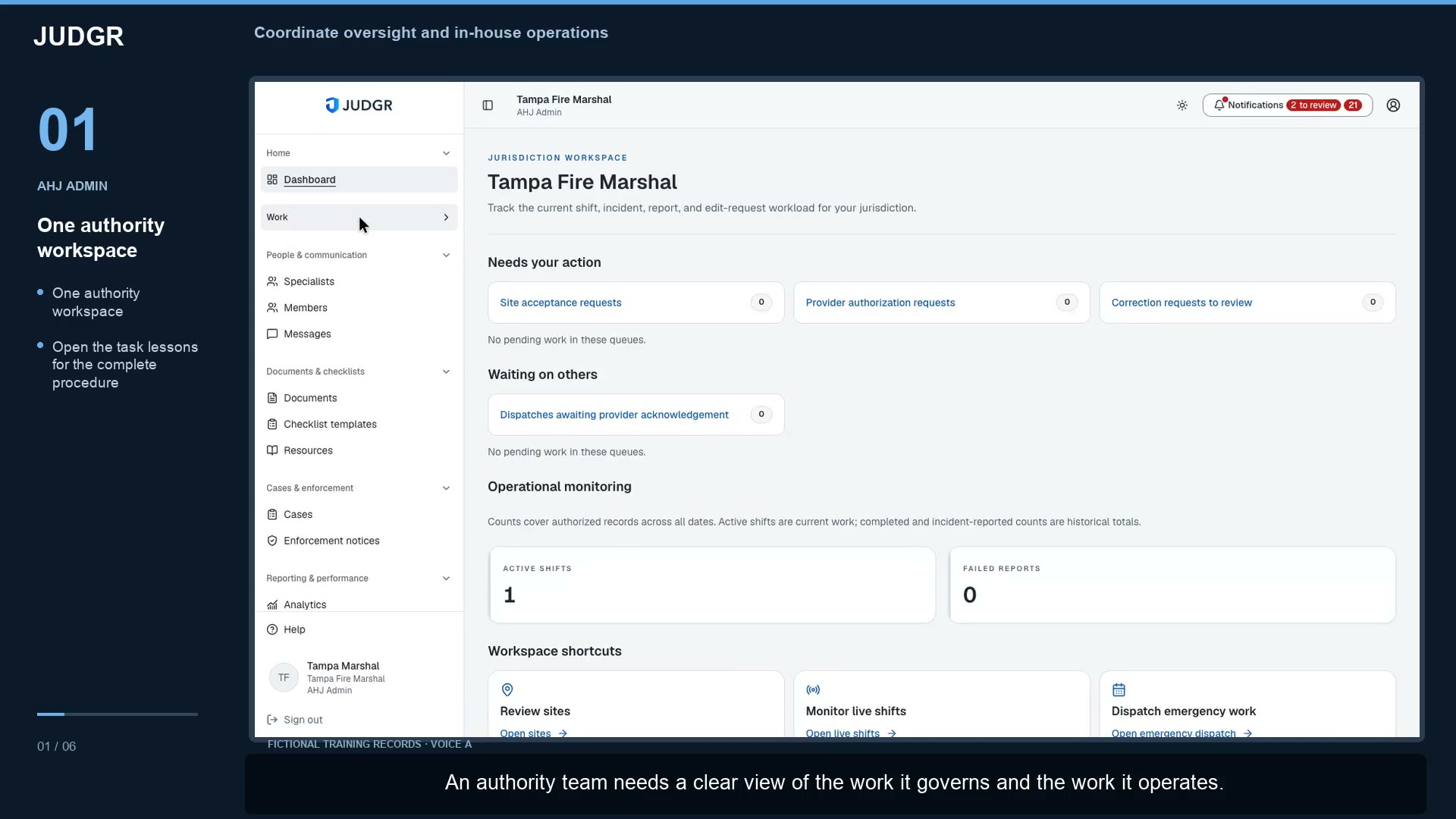
Govern sites and requirements, coordinate oversight, and learn in-house operations.
Start here
Prepare the governing framework
- View demo
Maintain jurisdiction coverage, rules and authorization
4:32 · 8 chapters
- View demo
Review canonical sites, acceptance and operator authorization
4:41 · 8 chapters
- View demo
Prepare, publish and retire jurisdiction guidance
3:19 · 6 chapters
- View demo
Create, preview and publish jurisdiction report templates
3:24 · 6 chapters
Coordinate and exercise oversight
Bridge into in-house operations
Shared operating procedures · prepare
Shared operating procedures · Provider examples. Watch the AHJ in-house context lessons first.
- View demo
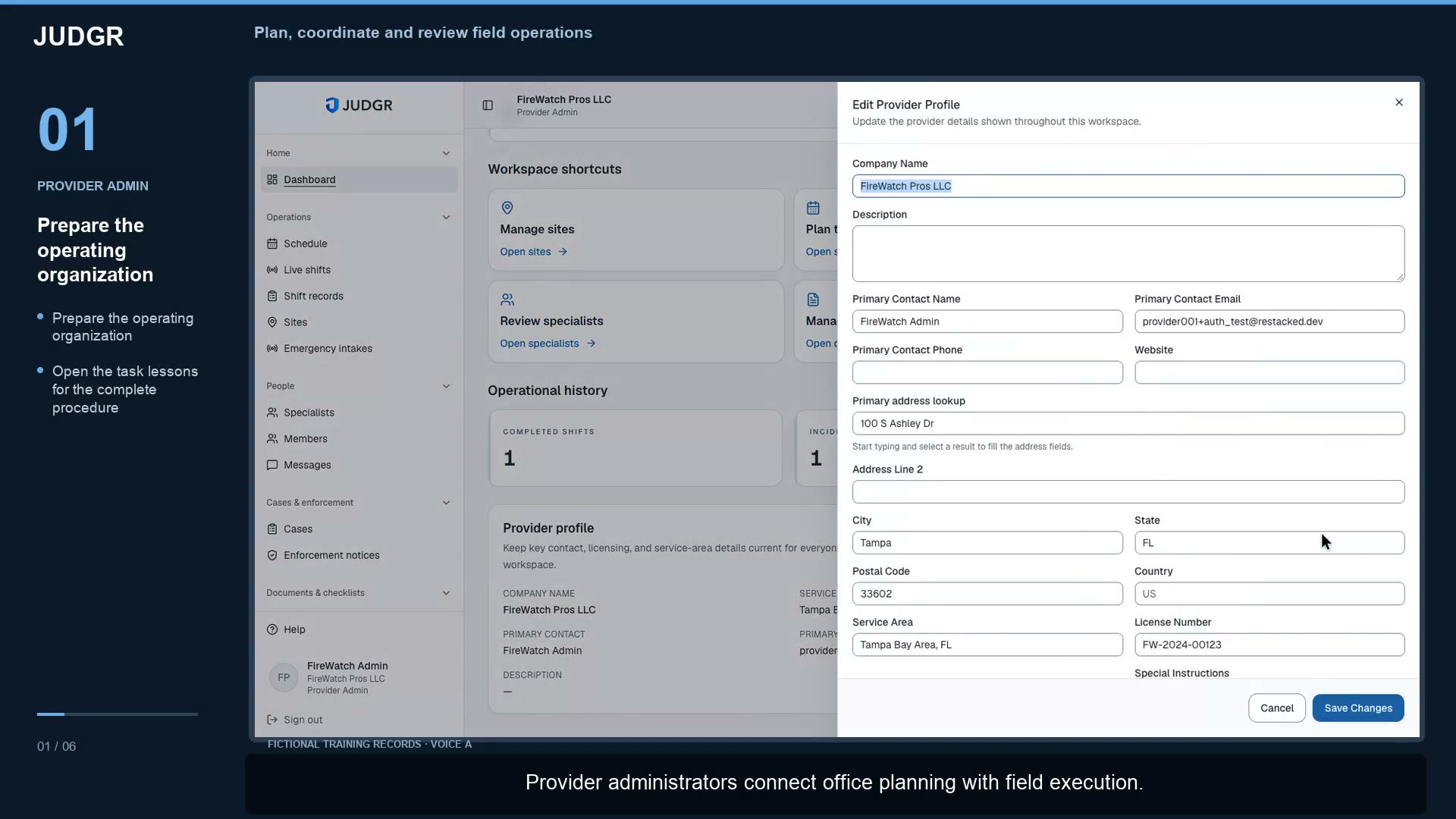
Maintain the operating organization profile
2:35 · 6 chapters
- View demo
Invite people, review credentials and maintain memberships
3:40 · 8 chapters
- View demo
Create, edit and restore provider sites
2:51 · 7 chapters
- View demo
Configure circle and drawn start boundaries
2:53 · 7 chapters
- View demo
Arrange servicing, site acceptance and authorization
3:09 · 7 chapters
- View demo
Manage documents and assign checklist versions
3:33 · 8 chapters
Shared operating procedures · schedule
Shared operating procedures · Provider examples. Watch the AHJ in-house context lessons first.
Shared operating procedures · coordinate
Shared operating procedures · Provider examples. Watch the AHJ in-house context lessons first.
Shared operating procedures · review
Shared operating procedures · Provider examples. Watch the AHJ in-house context lessons first.
- View demo
Monitor patrols, inspect evidence and decide corrections
4:59 · 11 chapters
- View demo
Download reports, maintain branding and export operations
5:26 · 12 chapters
- View demo
Review shared cases and respond to enforcement
2:42 · 6 chapters
- View demo
Interpret metrics, review flags and inspect audit history
4:50 · 11 chapters
Already requested access? Email me a link
Use the email from your demo request. You don’t need to enter your contact details again.